Attendance for Continuing Professional Education

Streamline CPE Attendance Tracking for Your Accounting Events

If you run CPE meetings, chapter events, or an annual conference, OneTap tracks time in and out, captures the accurate duration for the 50-minute hour rule, and generates clean reports in seconds.

Icon checkmark blue

Know exactly who checked in, checked out, and how many minutes they were in each CPE session.​​

Icon checkmark blue

Export one report per session or per event that you can use to award CPE credits and generate certificates.

Icon checkmark blue

Easy setup for administrators and team, you don’t have to train every chapter officer.

Icon checkmark blue

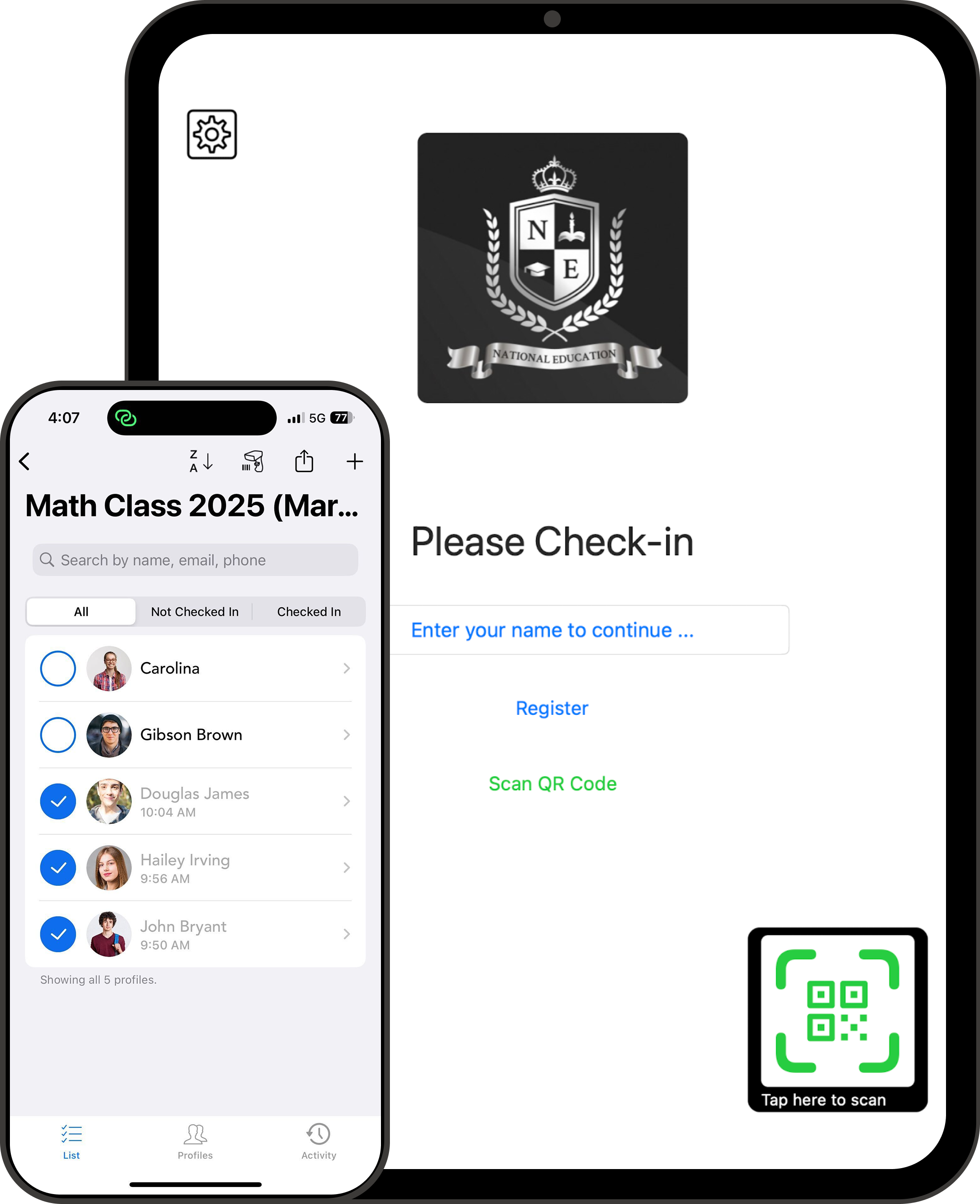
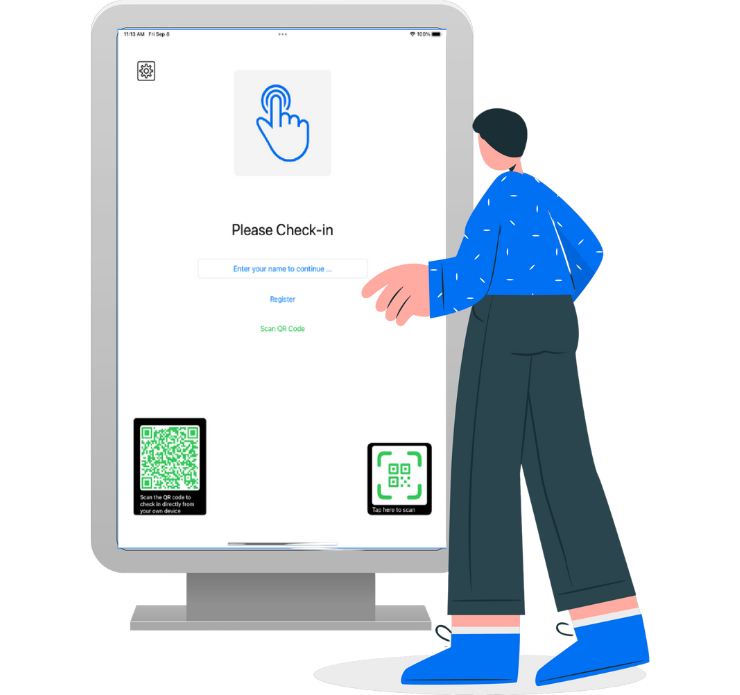
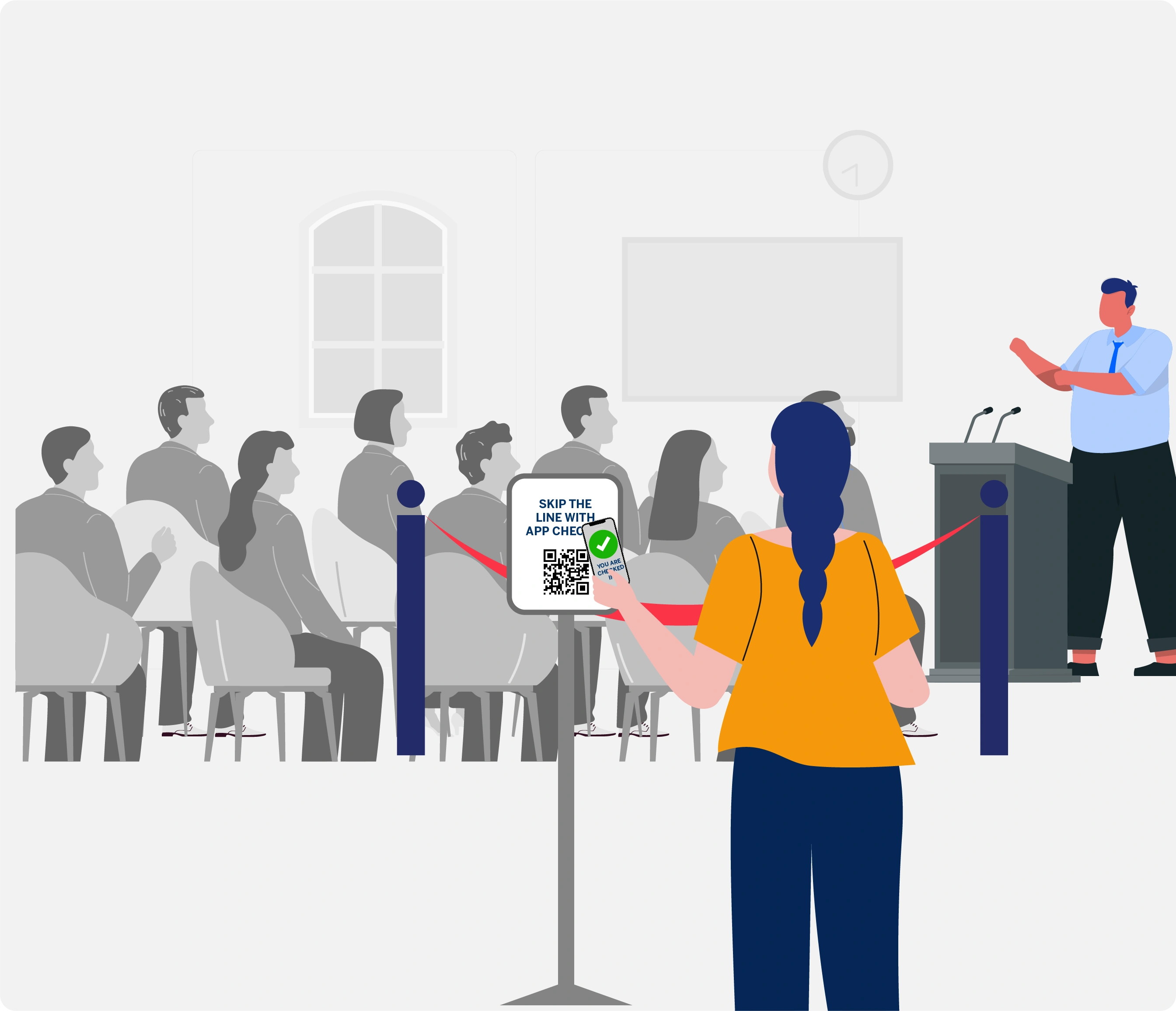
Let attendees scan a QR code on their phone and no app to download, no signup required.

No IT team needed. Setup in 15 minutes.

Used by associations, universities, and accounting education teams that give CPE credits and are tired of paper sign‑in sheets.
Employee Attendance Tracker by OneTap
OneTap Attendance Demo

One Simple Check‑in Flow For All Your CPE Programs

Capture the precision records required by NASBA and state boards for license renewals and audits.

Local Chapter Meetings

Capture NASBA-ready attendance logs for every session during chapter meetings in one place.

Accounting & Finance Firms

Centralize internal CPE tracking for associates across multiple offices without the usual back-office stress.

State CPA Societies

Manage statewide member education and annual meetings without adding extra work for your back‑office team.

Insurance & Tax Seminars

Track multi-credit sessions (CPE, EA, and Insurance) in one dashboard without merging separate spreadsheets.

Simplify CPE Attendance Before, During, and After the Event

Move from messy paper sign‑in sheets and manual math to a single place for attendance that accountants, coordinators, and managers actually like.

Turn Your Paper Sign-in Sheet Into a Digital Attendance Tracker

Skip the hassle of printing alphabetical attendance rosters and shuffling through piles of paper at the registration table.

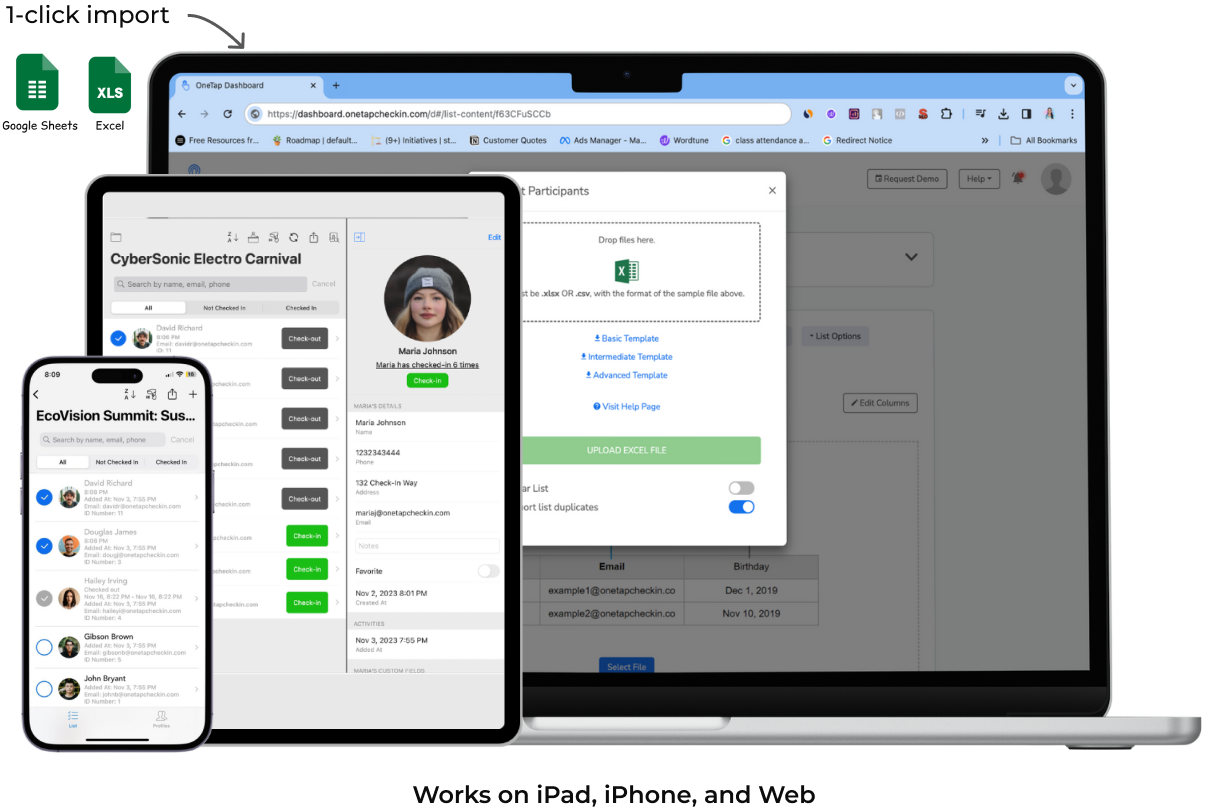
Upload your list once and let everyone check in and out on their own phone or kiosk.
Keep all your attendance data in one place where you can search, find, and export records instantly.

Capture In-and-Out Times for Accurate CPE Hours

Finally stop doing the math yourself just to see who stayed long enough to earn their professional credits.

Record every arrival and departure time so you know exactly who was in the room for the full session.
Track 50-minutes per credit hour with automated time tracking that does the work for you.

Make it Easy for Chapter Officers and Attendees

Keep things simple for people who are "not tech savvy" and reduce the burden on your local chapter leaders.

Attendees scan a QR code, or type their name, scan their personalized QR pass. They don't have to download an app or remember a password.
Your officers can focus on the event instead of managing laptops or troubleshooting complicated software at the door.

Keep NASBA-Ready Records Without Storing Boxes of Paper

Be ready for any audit with digital, timestamped records that you can share in seconds instead of digging through old files.

Store names, IDs, and session durations in one secure, centralized attendance system that stays organized all year long.
Download a clean report anytime a member or a sponsor asks for documentation without searching through old scans.
Keep records organized for multi-year retention.

Set Time Windows So Members Can't Check-in from Home

Make sure only the people who are actually in the class during the session get counted for their professional credits.

Set specific time, location & device restriction rules so attendees cannot scan into every session at once or check in from outside the building.
Export a verified attendance list with survey responses to generate certificates without retyping anything.

Powerful Features Your CPE Teams Asked For

Get the records you need without losing hours to heavy event platforms your team doesn’t have time to set up or maintain.

Icon of team members - Add your team members into OneTap

Self‑Serve Kiosk Check‑in

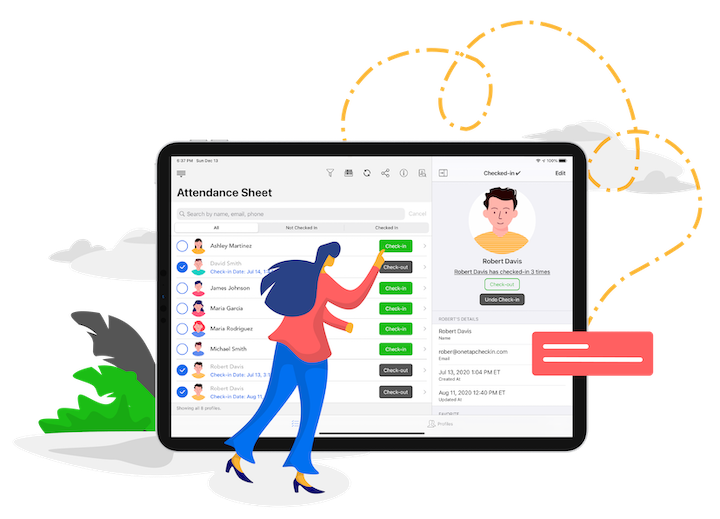
Search names and mark when they arrive and when they leave.

one tap icon for api integration

QR Code Check‑in

Simple QR codes for fast sign-in at conferences and meetings.

Icon of multiple devices - OneTap attendance app works on multiple devices

Check‑in Code

Use a unique code if you want to keep attendee names private.

Custom Fields

Capture CPA license, EA number, or other IDs alongside names.

Digital Signatures

Check-in and Check-out with digital signature.​

Clean Exports

Export name, license ID, session, check-in time, check-out time, duration in CSV or PDF format.

Attendance History

See 'how many times' someone attended and how many credits or hours they have.

Shared Access with Team

Sync with everyone on the single system instead of passing around sign-in sheets.

Industry Standard Security

Protect professional learner data with secure encryption and storage in US-based data centers. 🇺🇸

“Chasing hundreds of people for missing sign-out signatures used to be a full-time job. OneTap allowed me to finally get rid of all that manual work and have audit-ready data in seconds. It has been a total lifesaver for our department.”
- Tammy L., Continuing Education Coordinator