OneTap replaces printed sign-in sheets with a simple QR scan for OSHA classes, safety meetings, toolbox talks, or PDH/CEU courses. Pulls the reports you need for credits and certifications in under a minute.
Verify who attended each training and certification hours by session.
Prove people completed OSHA 10/30 hours and required topics.
Stop typing names from paper sign-in sheets into Excel or LMS.
No IT team needed. Setup in 15 minutes.


Whether you run boot camps or job site sessions for workers who need OSHA cards for their jobs, OneTap gives safety teams one simple way to capture accurate attendance and pull clean records.
Fulfill OSHA 10/30 mandates with digital signatures that prove workers were physically on-site for the full duration.
Automatically track hours in each session to satisfy state‑mandated PDH requirements.
Provide funders with accurate participation data to secure your grants and show exactly which students completed their modules.
Replace messy paper rosters for weekly safety briefings and centralize your training history in one searchable cloud hub.
Run your safety classes, verify hours for OSHA cards, and keep clean records in one simple attendance tracker without spreadsheets or manual entry.

OneTap tracks who was in each class, for how long, and for which topic, so you can prove training without digging through sign-in sheets.

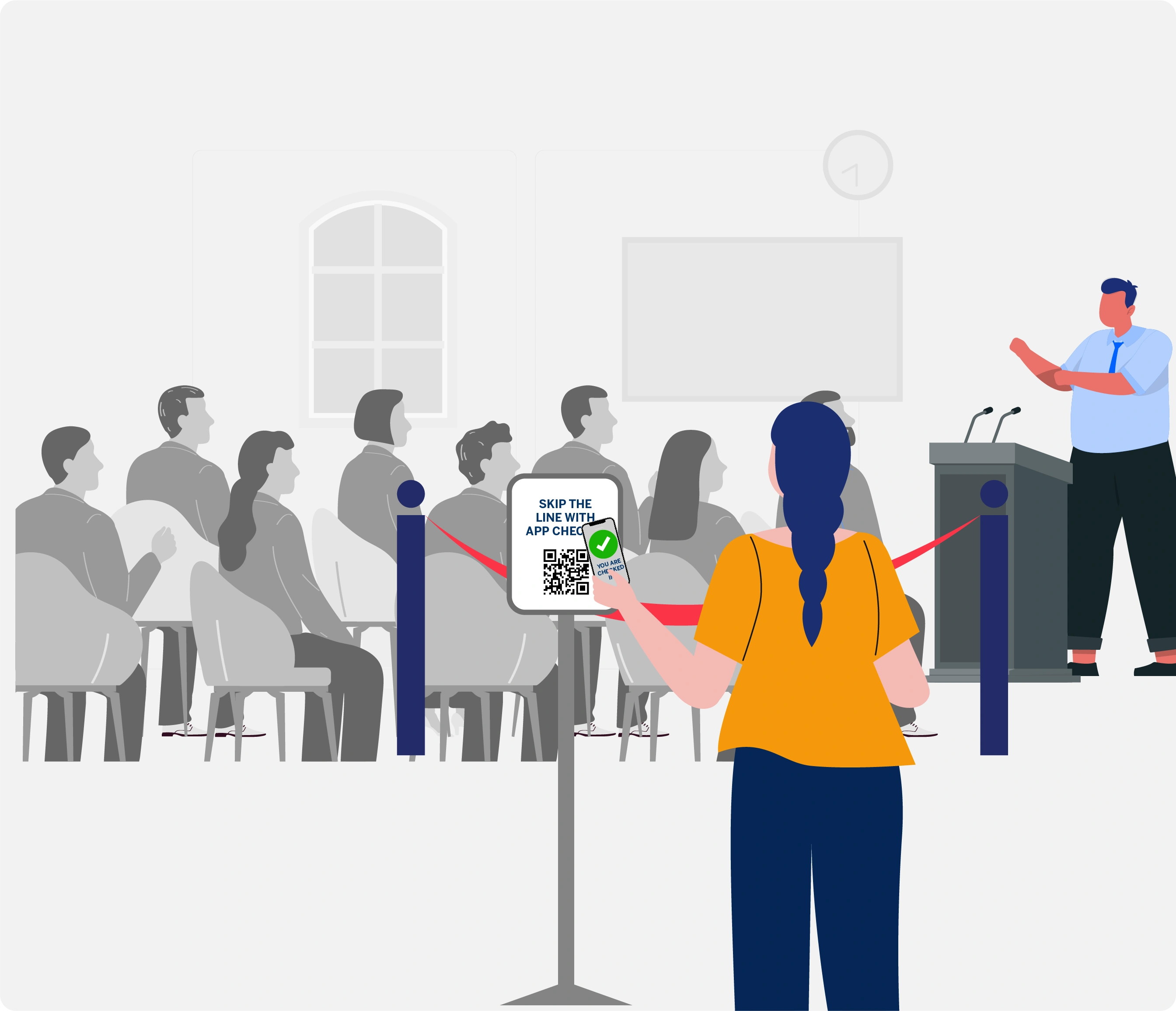
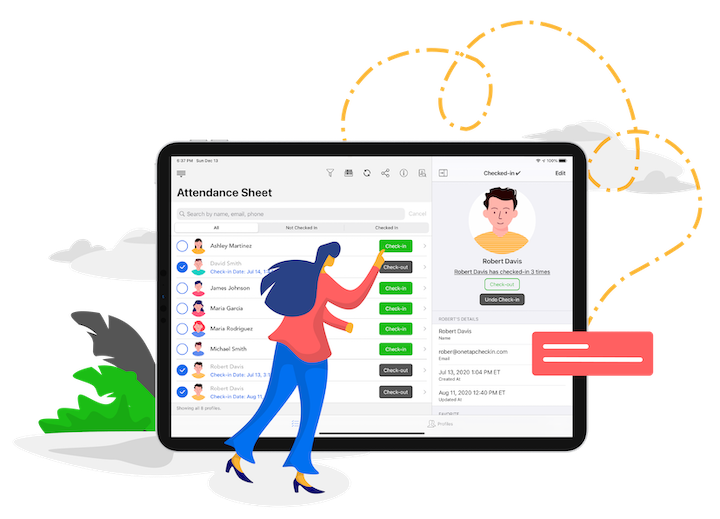
OneTap replaces handwritten sheets with a simple QR check-in. Print QR code to scan for a single session or multiple courses at once.

OneTap tracks check-in and check-out for every class, so you always see the real hours each person completed.

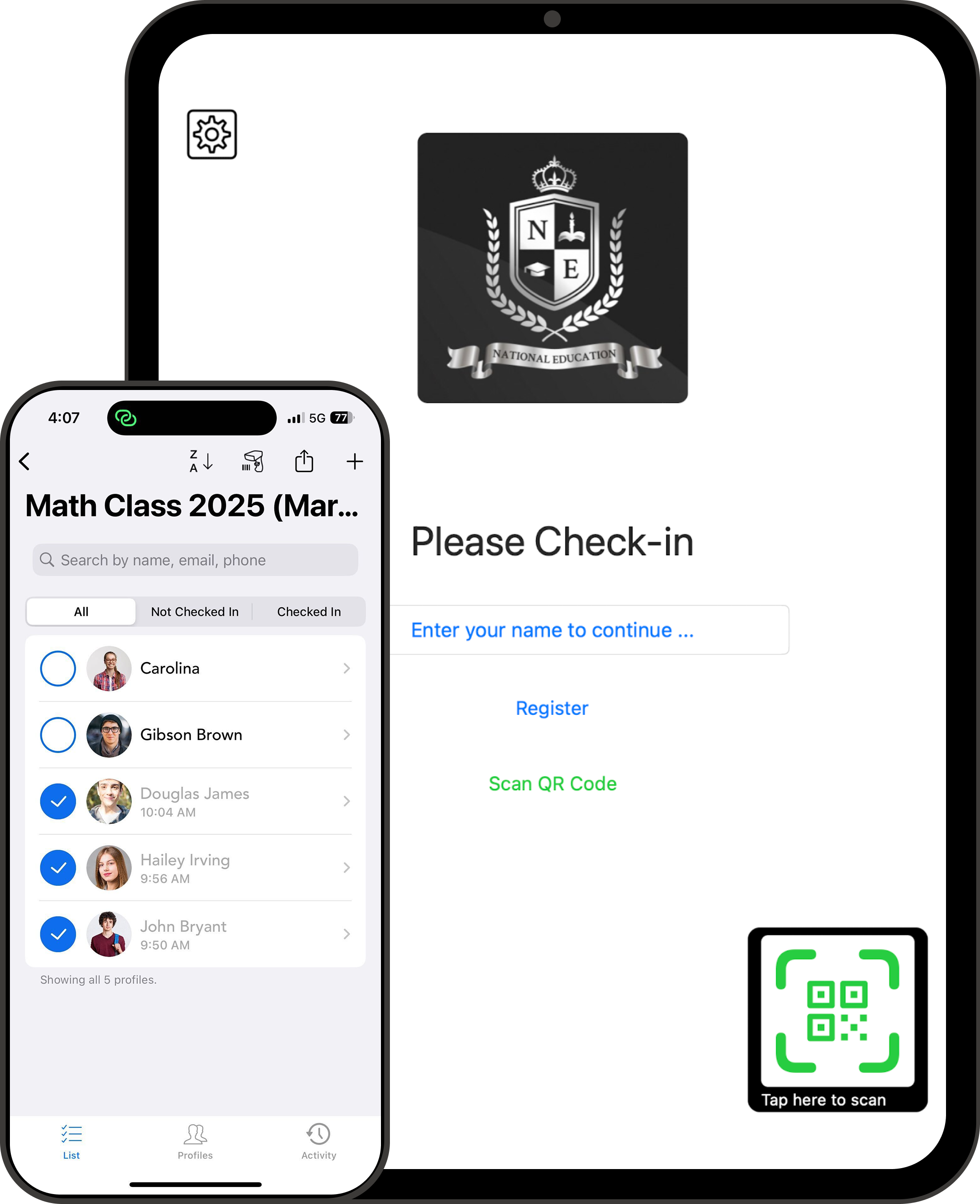
OneTap lets people tap their name on a shared iPad kiosk, scan a barcode badge at the door, or have the instructor mark them present.

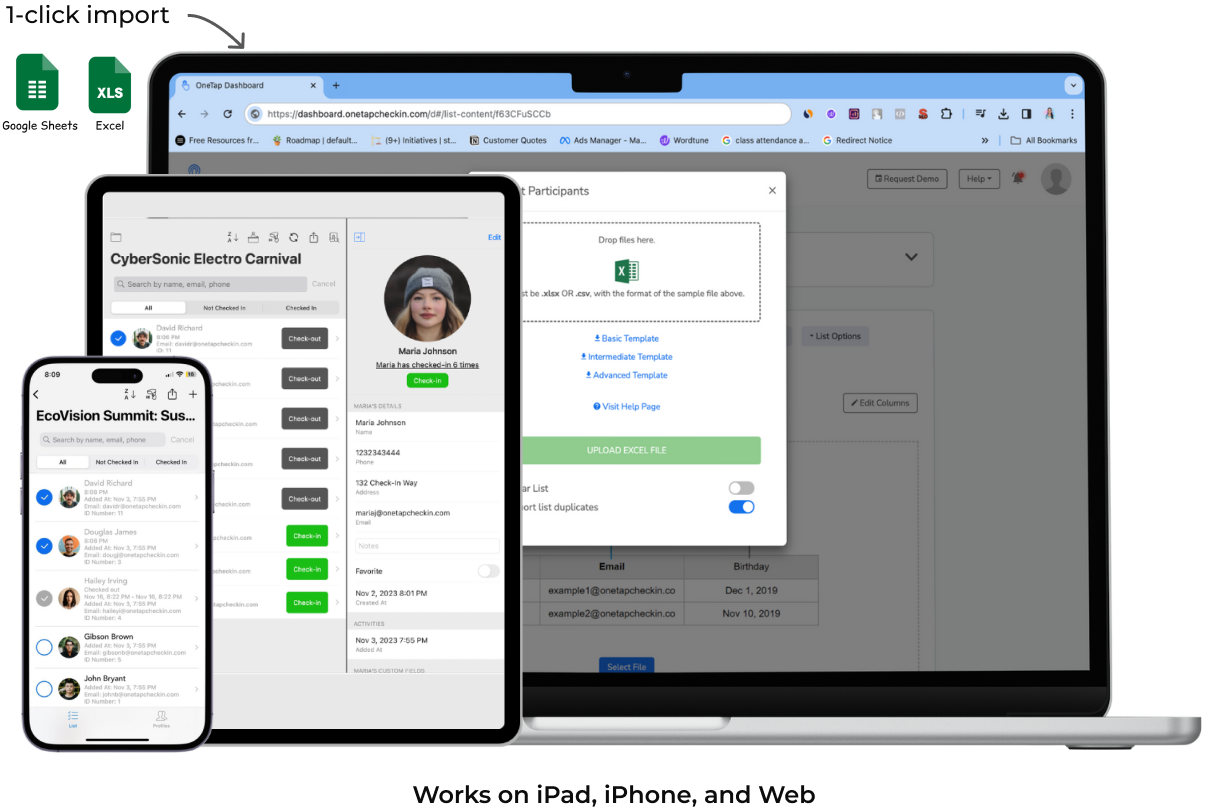
OneTap exports attendance as simple files you can drop into your Excel workbooks, LMS, or grant reporting templates.
Everything you need for OSHA, PDH, and CEU attendance.
Easy QR code check‑in so workers can “just scan in… like going to a gym.”
Crews can sign in even if they don’t have smartphones by names or scanning their badges.
Add last-minute attendees at the door so you never have to type up paper sign-in sheets later.
Check‑in and check‑out timestamps with automatic hours per person and per module.
Time and location rules so people can’t check in from home or outside the job site.
CSV and PDF exports that plug into your Excel sheets, or other LMS and reporting tools.
Custom API if you want your IT team to push or pull data from other systems.
Reusable digital attendance sheets so you can copy the same module setup across multiple bootcamps or cohorts.
Invite instructors, safety staff, and coordinators so everyone can see & update the attendance list with controlled access.
Protect professional learner data with secure encryption and storage in US-based data centers. 🇺🇸