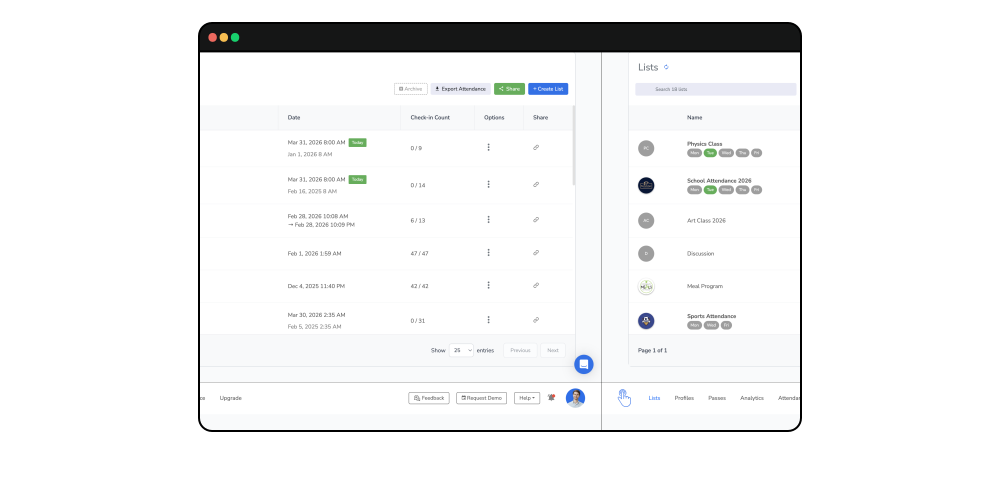
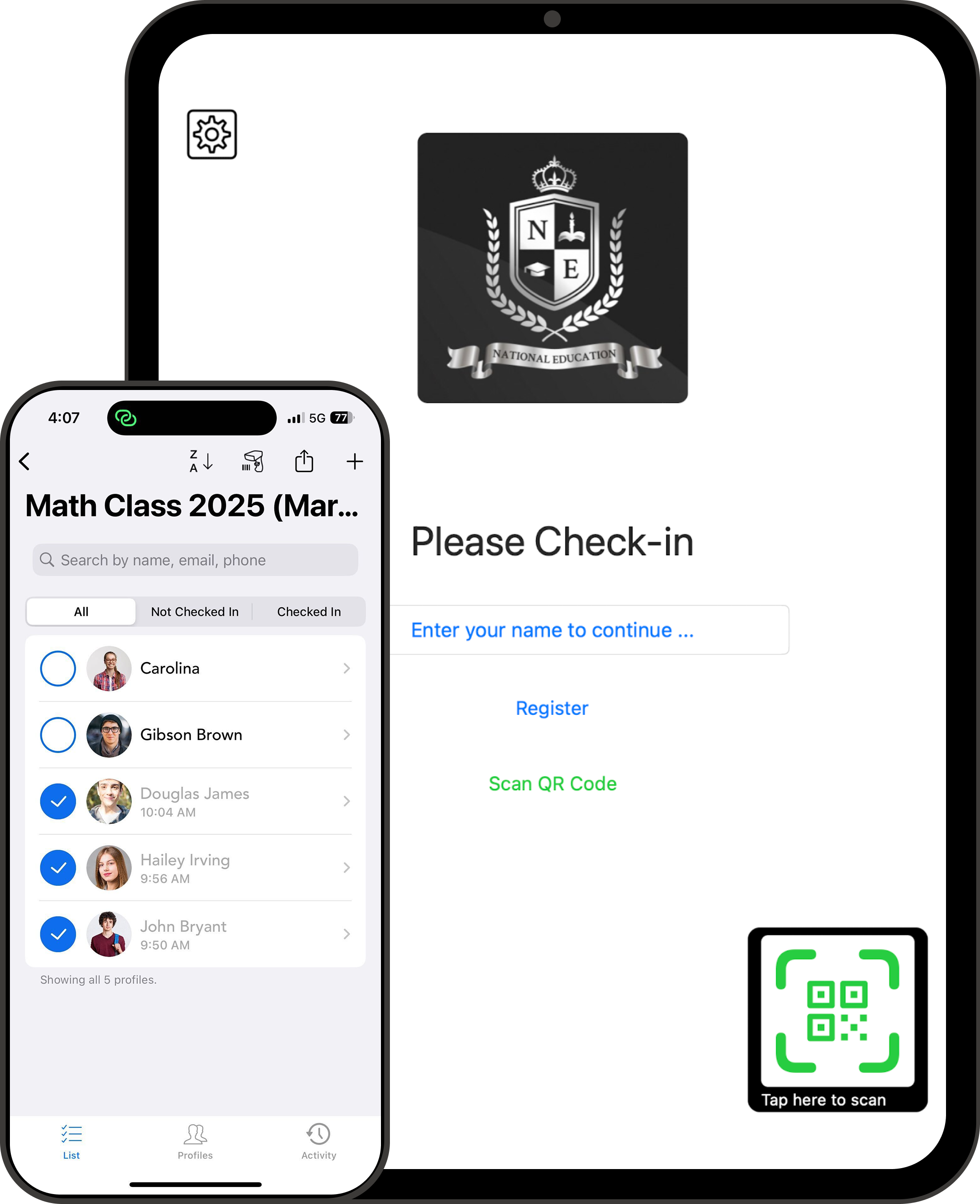
OneTap is a simple check-in app for after-school programs. Students check in with a QR code or iPad kiosk. You see who's here and who's missing on your phone, in real time.
When a parent calls, you have the answer.
When your funder asks for data, you export it in one click.
You've got 50 kids across three activities. Staff is busy. The bus dropped off 20 minutes ago. You need an answer - right now.


We've talked to hundreds of after-school coordinators and directors. Same problems, different buildings.
Even briefly. You couldn't quickly confirm a child was in the building. That feeling stays with you.
You're walking room to room, checking with staff, digging through today's sign-in sheet.
"They text me and I'm literally running through the building."- Alice, Executive Director

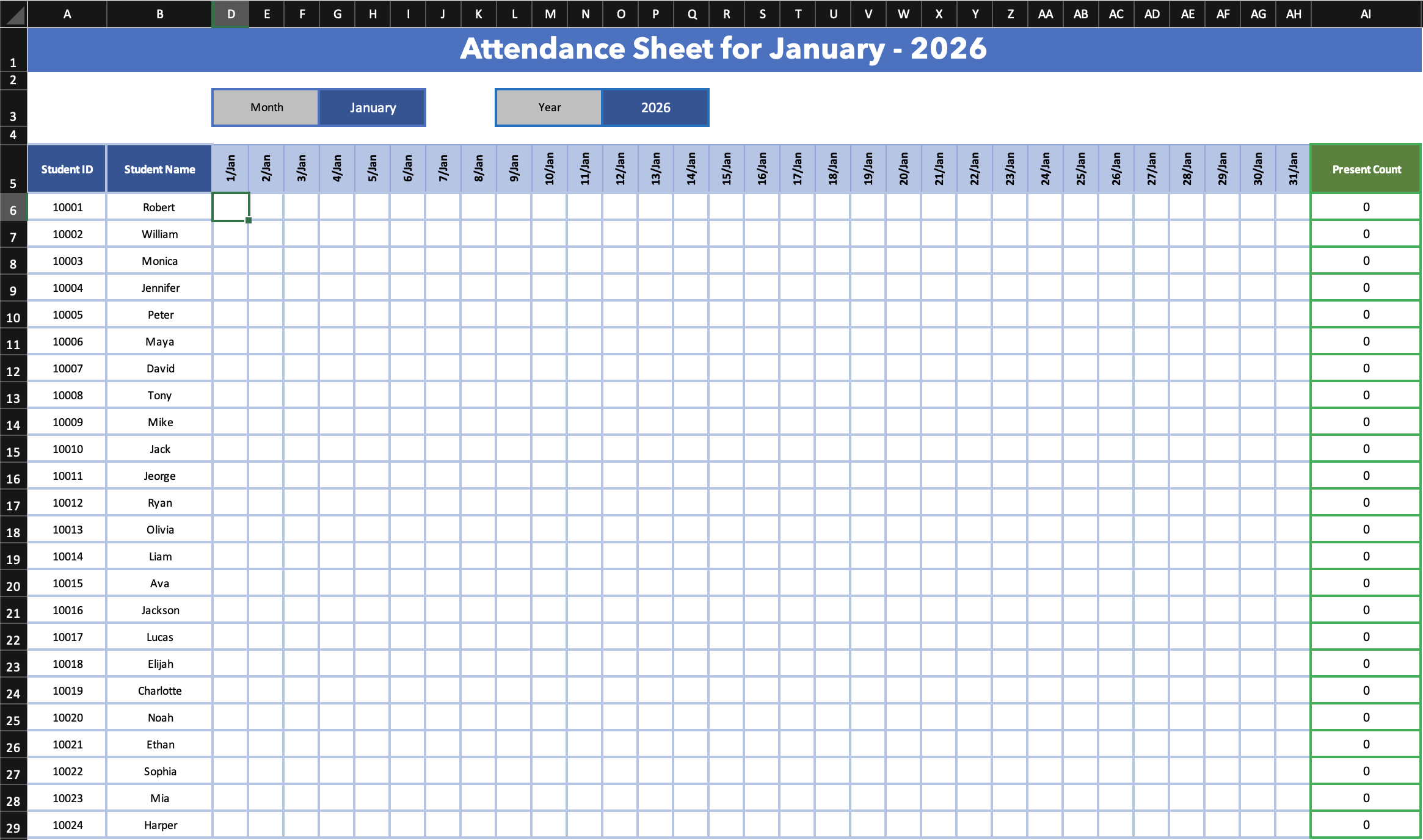
Funders want hours, demographics, participation data. Your attendance is on paper, waivers are in Jotform, and the rest is in a filing cabinet. Nothing talks to each other.
"Someone spends hours every month just digitizing paper into Excel." - Brittnee, Assistant Director

30 kids became 80. The clipboard doesn't work anymore. Names get missed before class even starts.

Passing around clipboards, calling out names, entering data later. That time adds up. Time you could spend on the kids.
Time-based and session-based billing fall apart without reliable timestamps. No proof means lost revenue.
Stop chasing paper and re-typing spreadsheets.
Here's what your day looks like with OneTap.
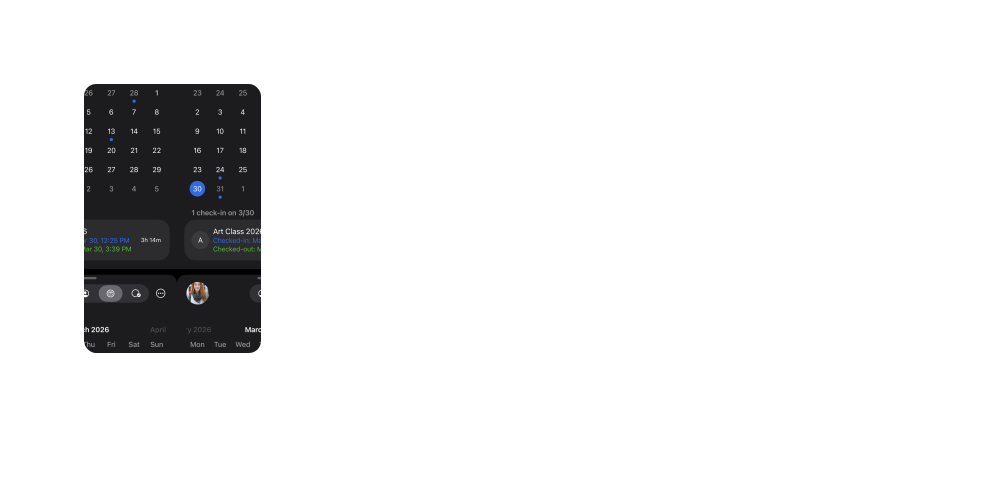
Check-ins and check-outs are timestamped and synced across every device. You always know who's here, who hasn't shown up, and who already left.
Emergency contacts and notes are stored on each profile.

Real-time sync
Timestamps
Check-in + check-out
Emergency contacts

Custom notes


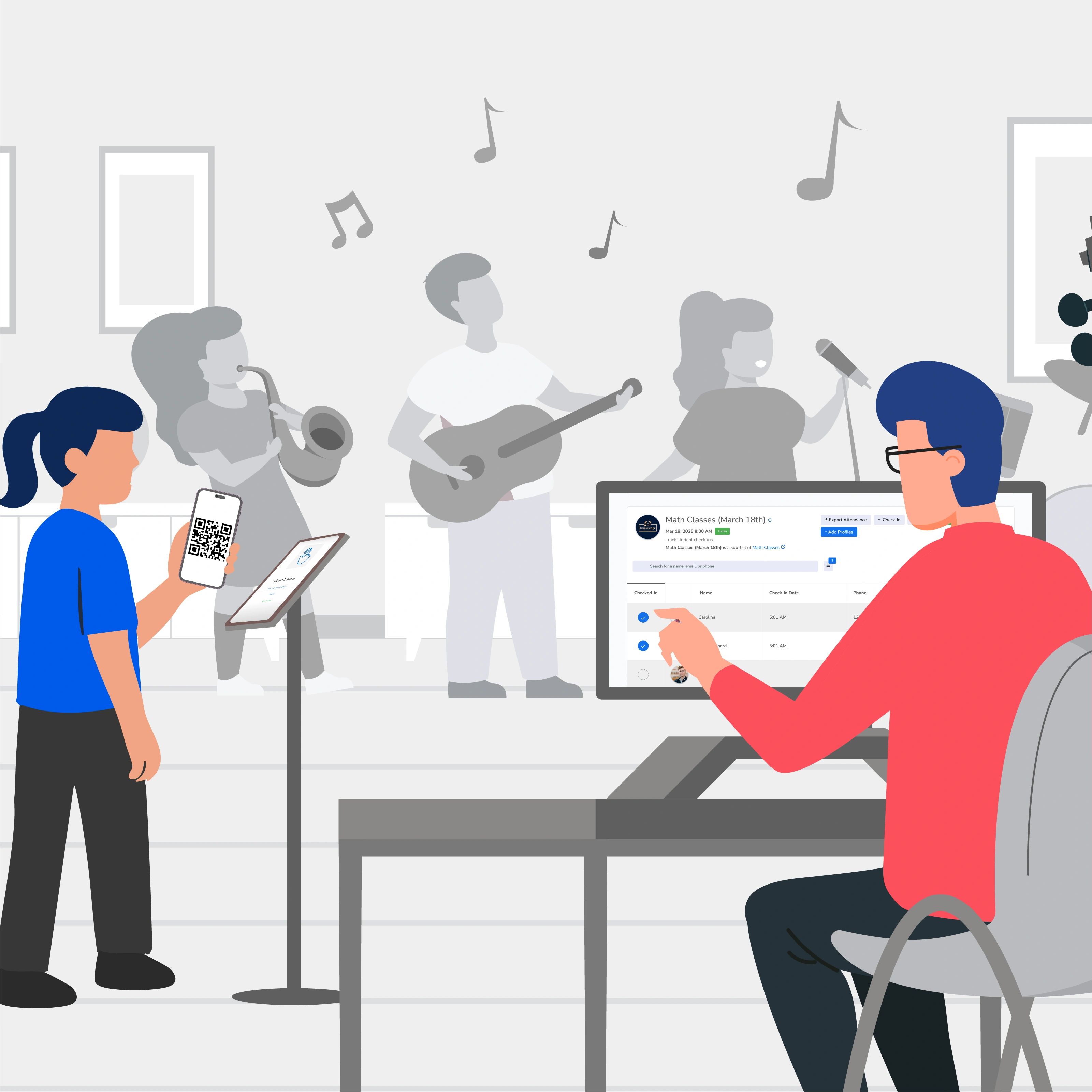
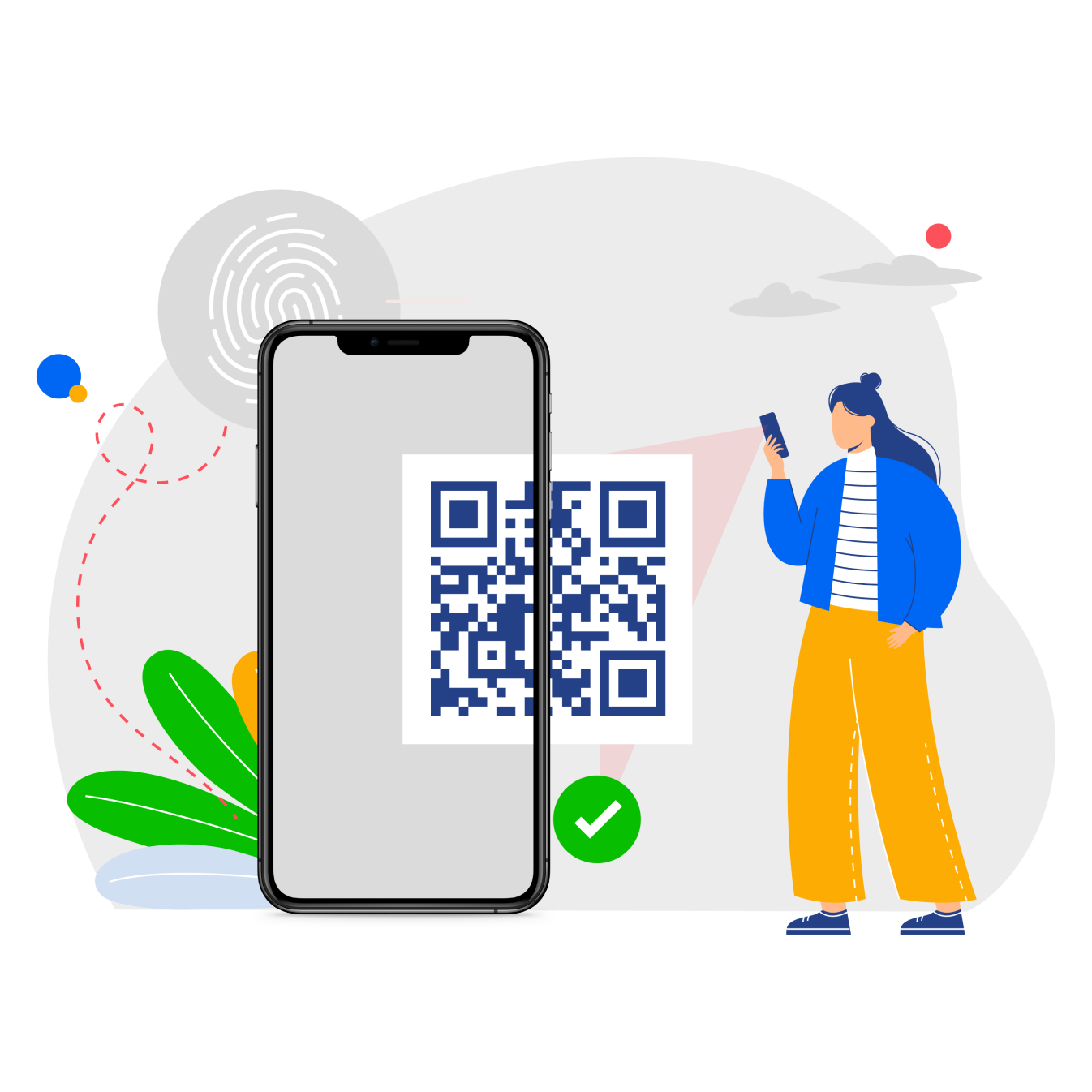
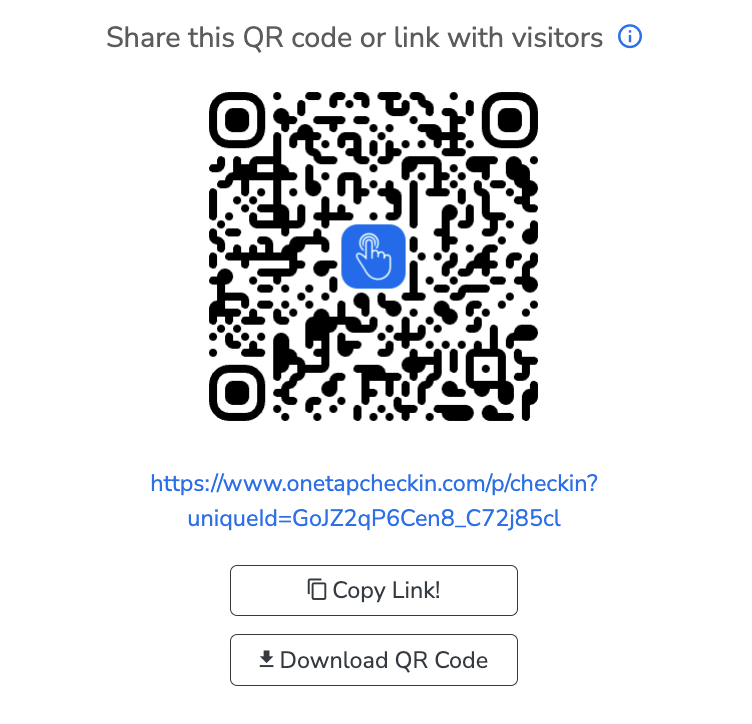
Older students scan a QR pass. Younger kids get tapped in by staff on an iPad kiosk. No clipboards. No name-calling. Pick the method per age group.
QR code passes
iPad kiosk mode
Check-in codes
Staff/Admin check-in
Works on any browser
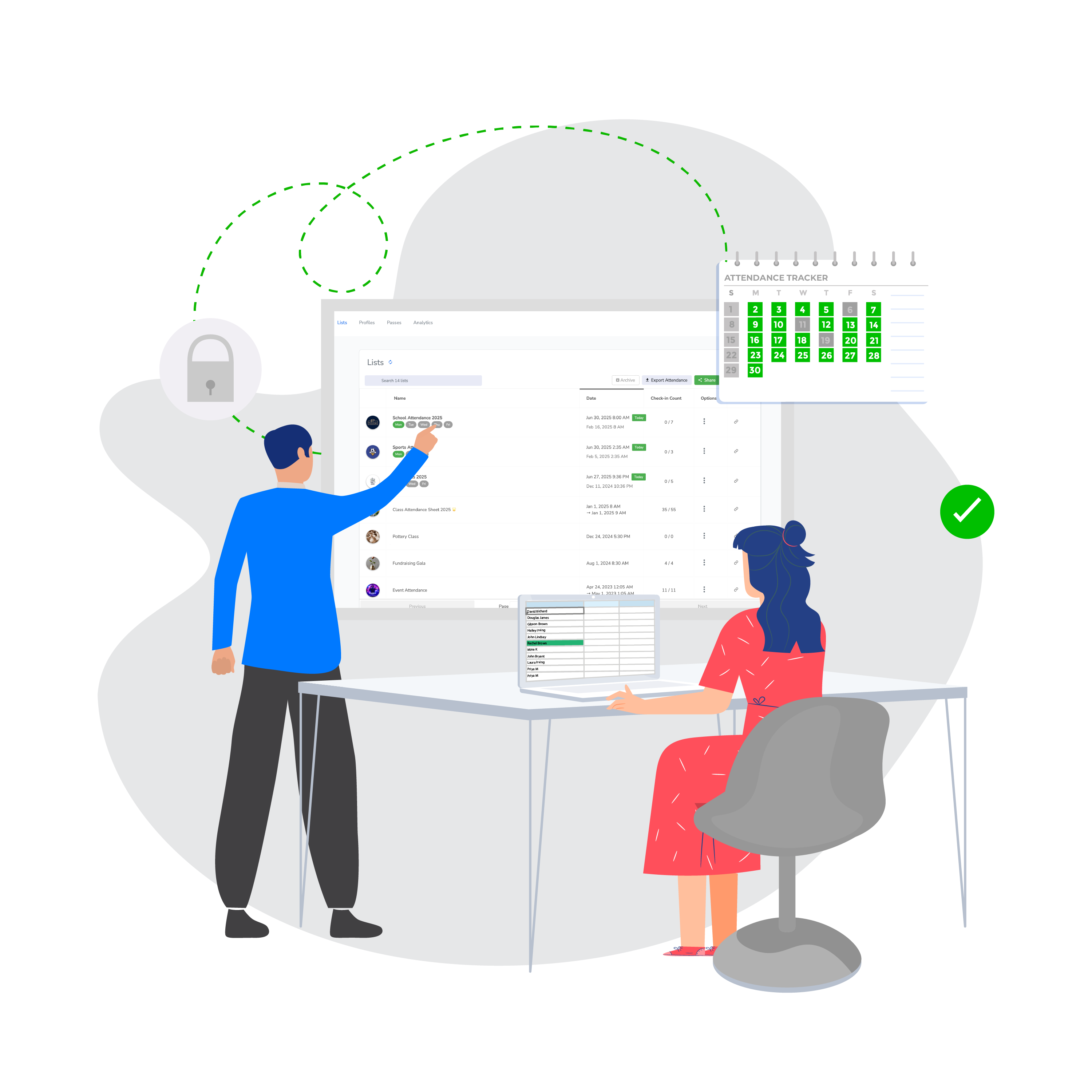
Create a separate attendance list for each activity. See exactly how many times each student attended each program. One account, one dashboard, as many programs as you need.
Separate lists per activity
Multi-site program
Survey at check-in
Program-level reports


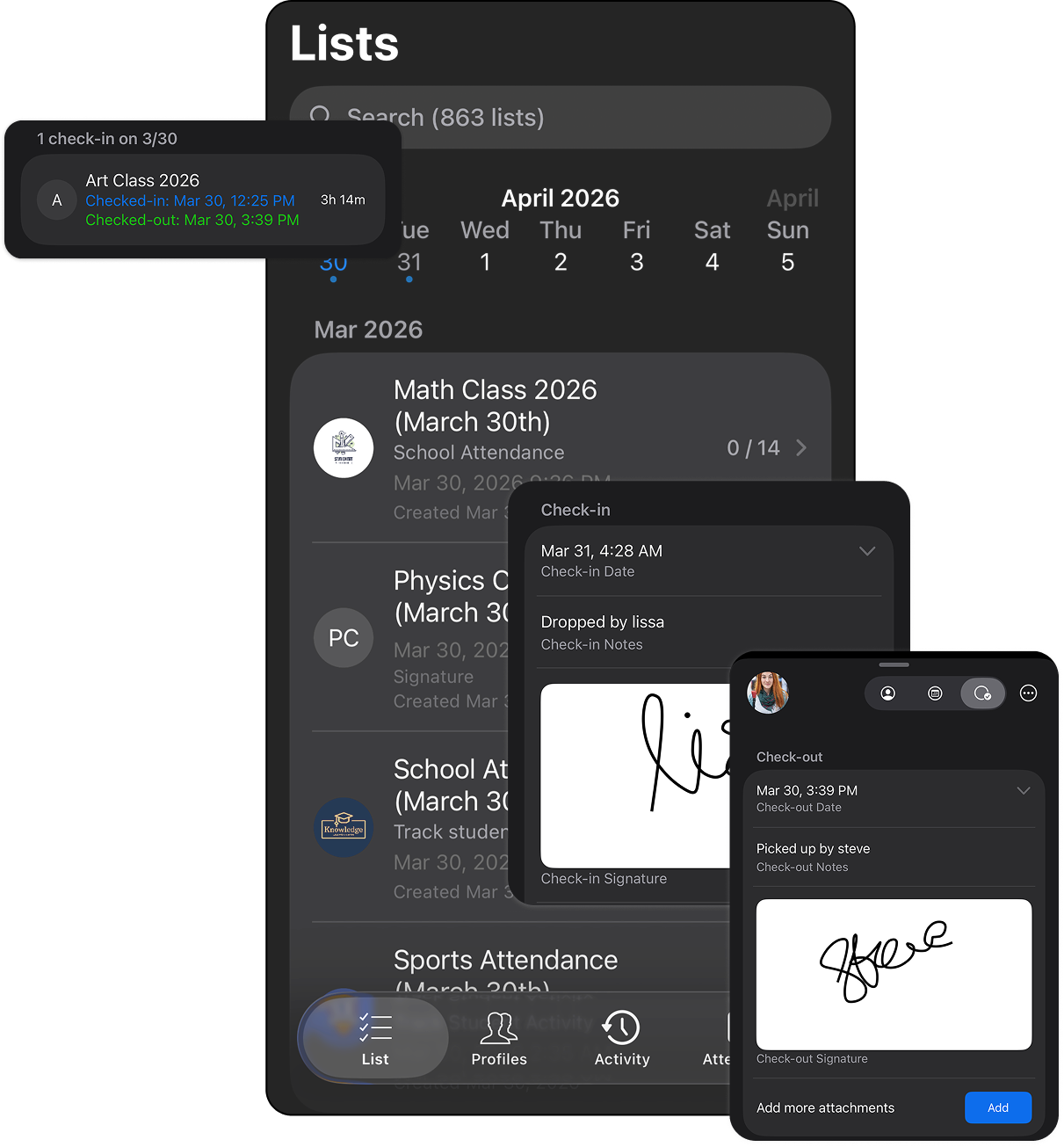
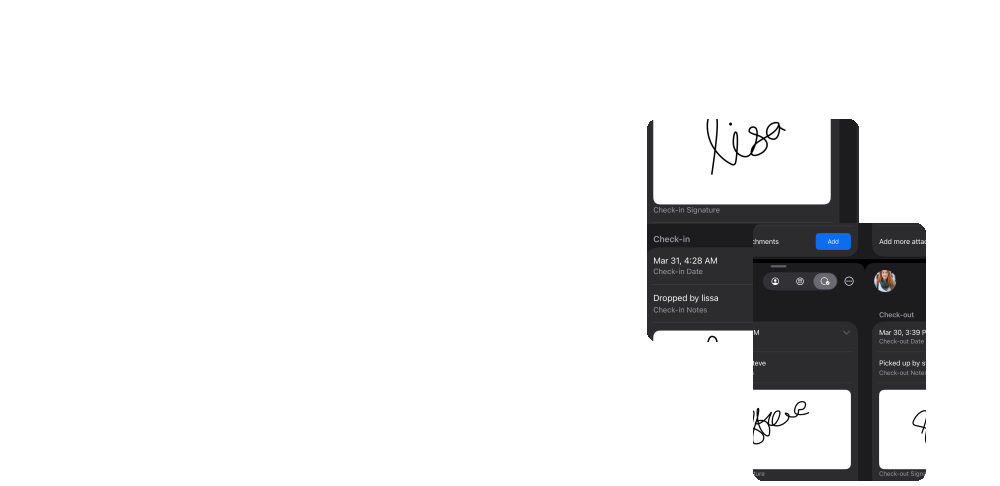
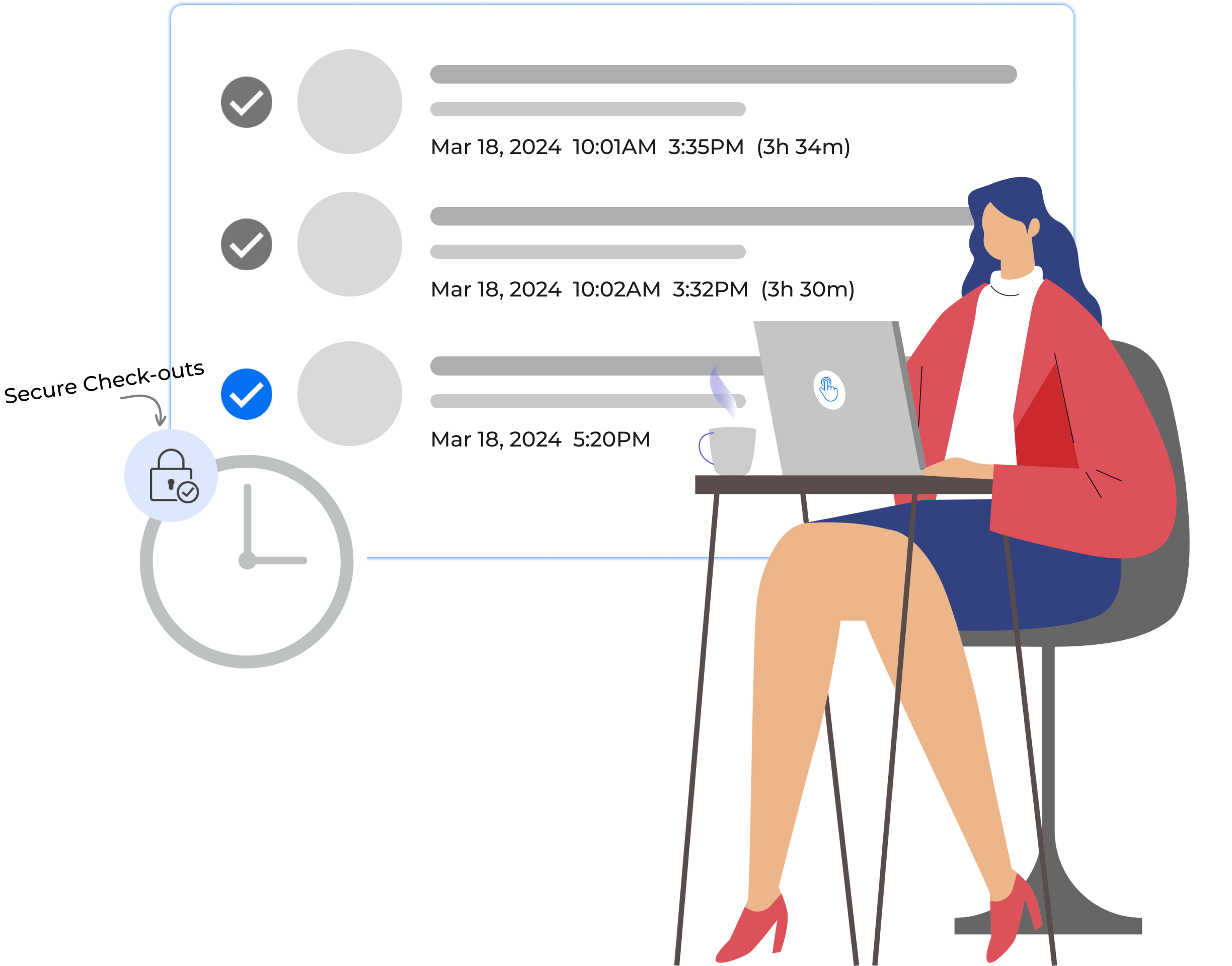
When a child leaves, they get checked out with a timestamp. Staff adds a note about who picked them up.
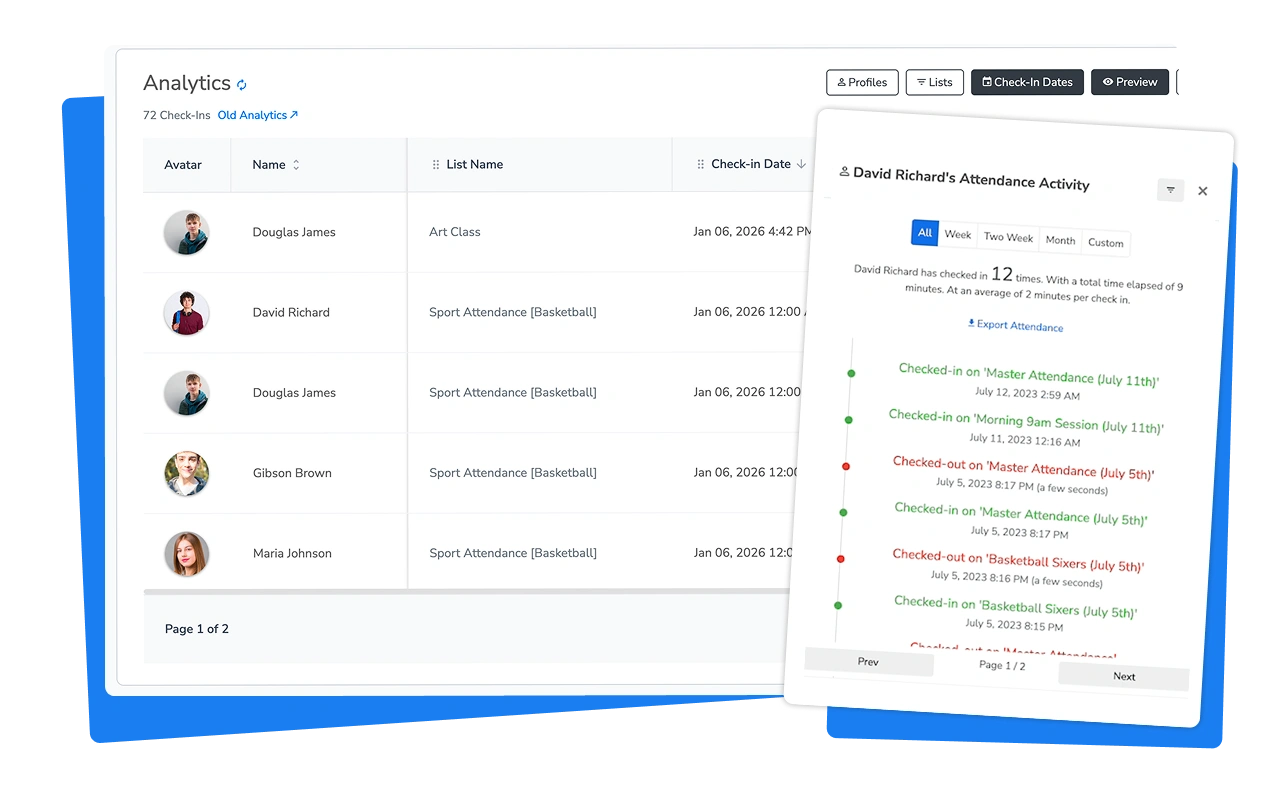
Need to know who picked up Hayley last Tuesday? It's right there in her profile.
Add a checkout survey to capture the pickup person's name, add attachment to collect a photo and signature.
Timestamped check-out
Pickup notes
Check-out photo, signature
Historical records
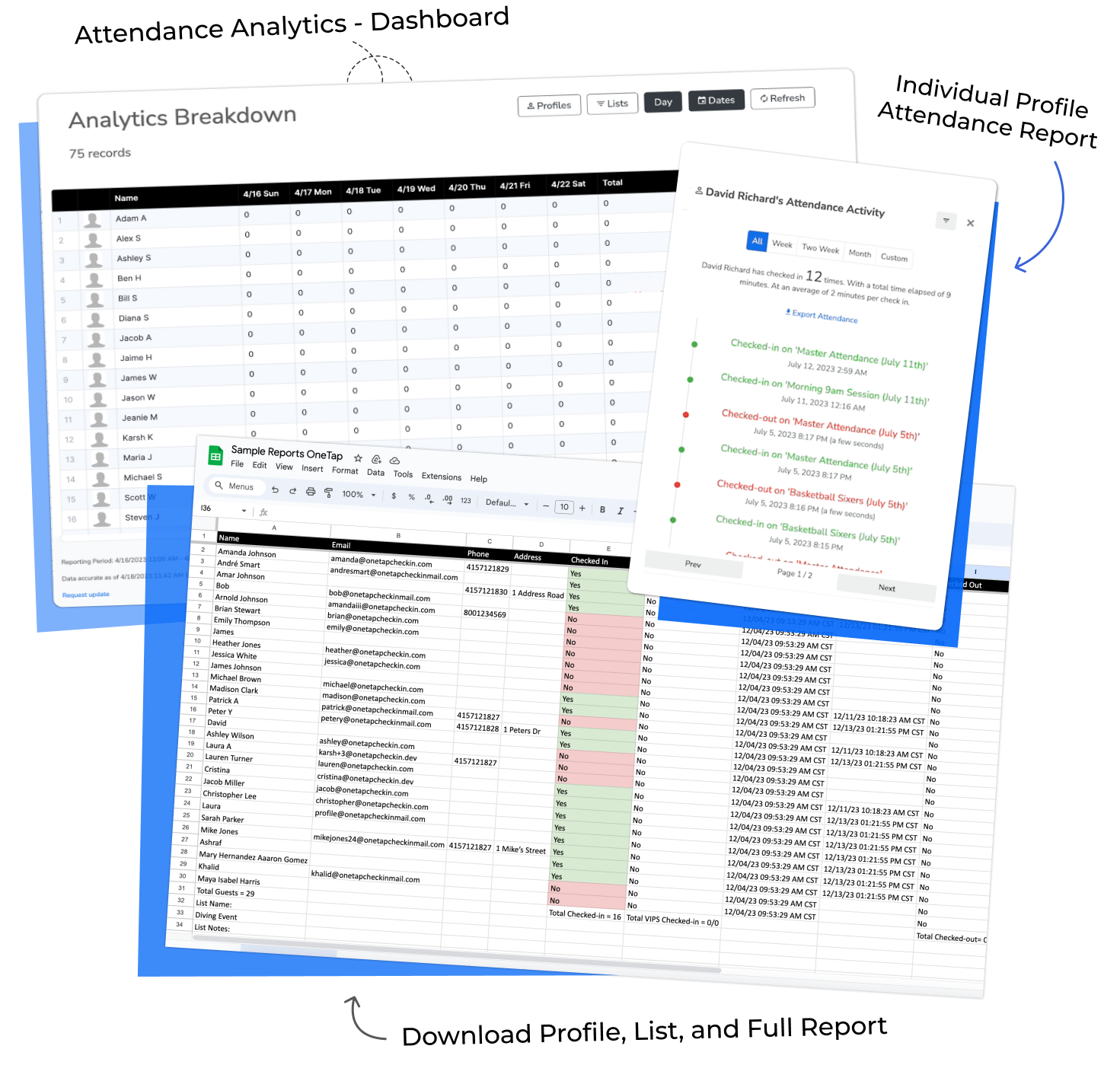
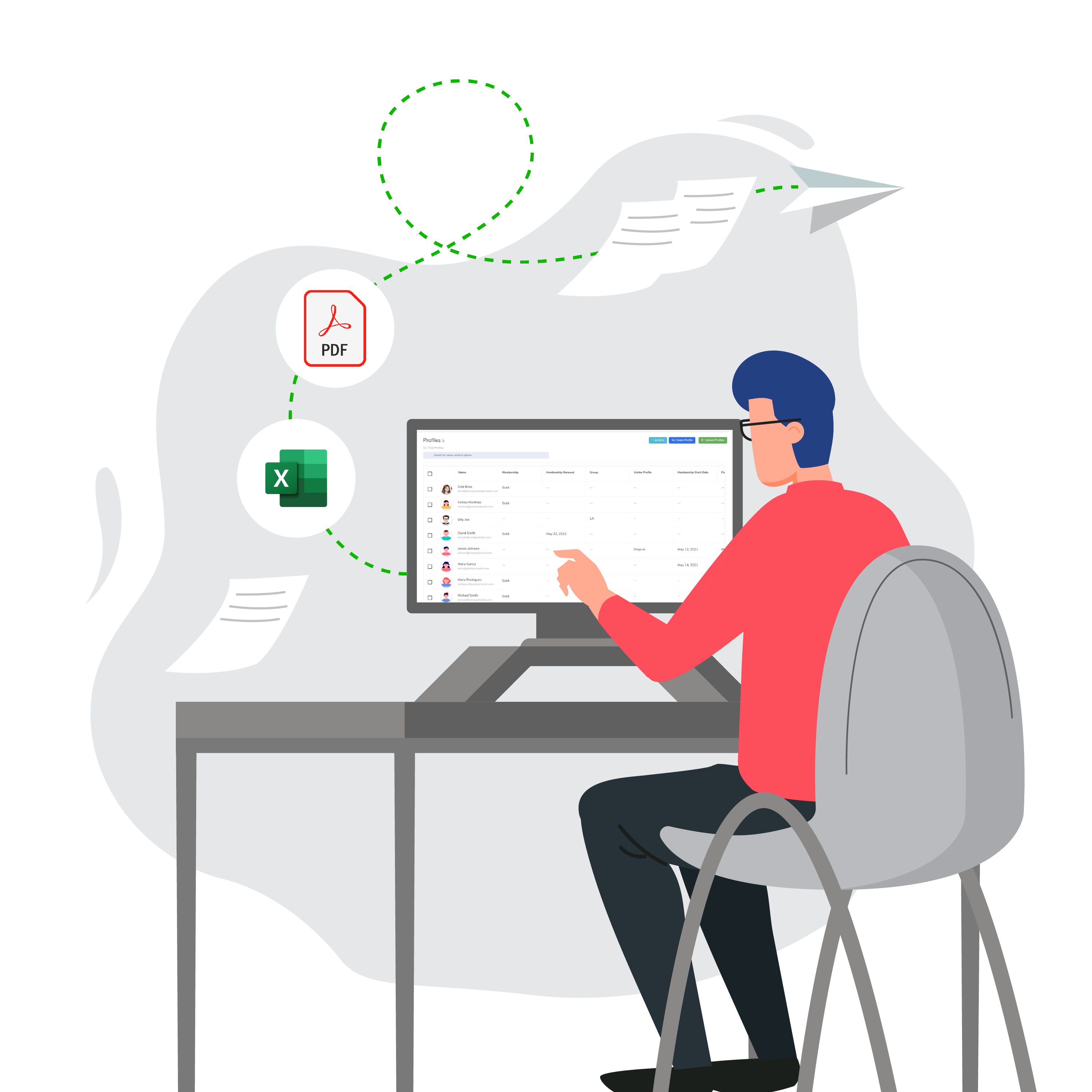
No re-typing paper. Export as Excel or PDF. Filter by date range, program list, or individual student. Add custom fields for demographics, grade level, or anything your grant requires.
Excel / PDF export
Date and list filters
Student reports
Custom demographic fields


Invite collaborators with their own login. They check kids in and view their assigned lists, while you keep full admin control. Set up recurring daily schedules that auto-populate.
Collect waiver acceptance or consent checkboxes right during registration or check-in, so everything lives in one place.
Know exactly who to charge, backed by timestamped data. Total hours per child, session counts, all exportable.
Collaborator logins
Multi-site programs
Waiver collection
Recurring daily lists
Timestamped data
21st Century / ELOP programs
Tutoring
STEM programs
Art and music
Girl Scouts and Boy Scouts
Sports and recreation
Summer camps
Homework help
Every check-in and checkout, timestamped.
Every pickup recorded with who and when.
Every report exportable in one click.
No IT help needed. If you can upload an Excel file, you can run OneTap.
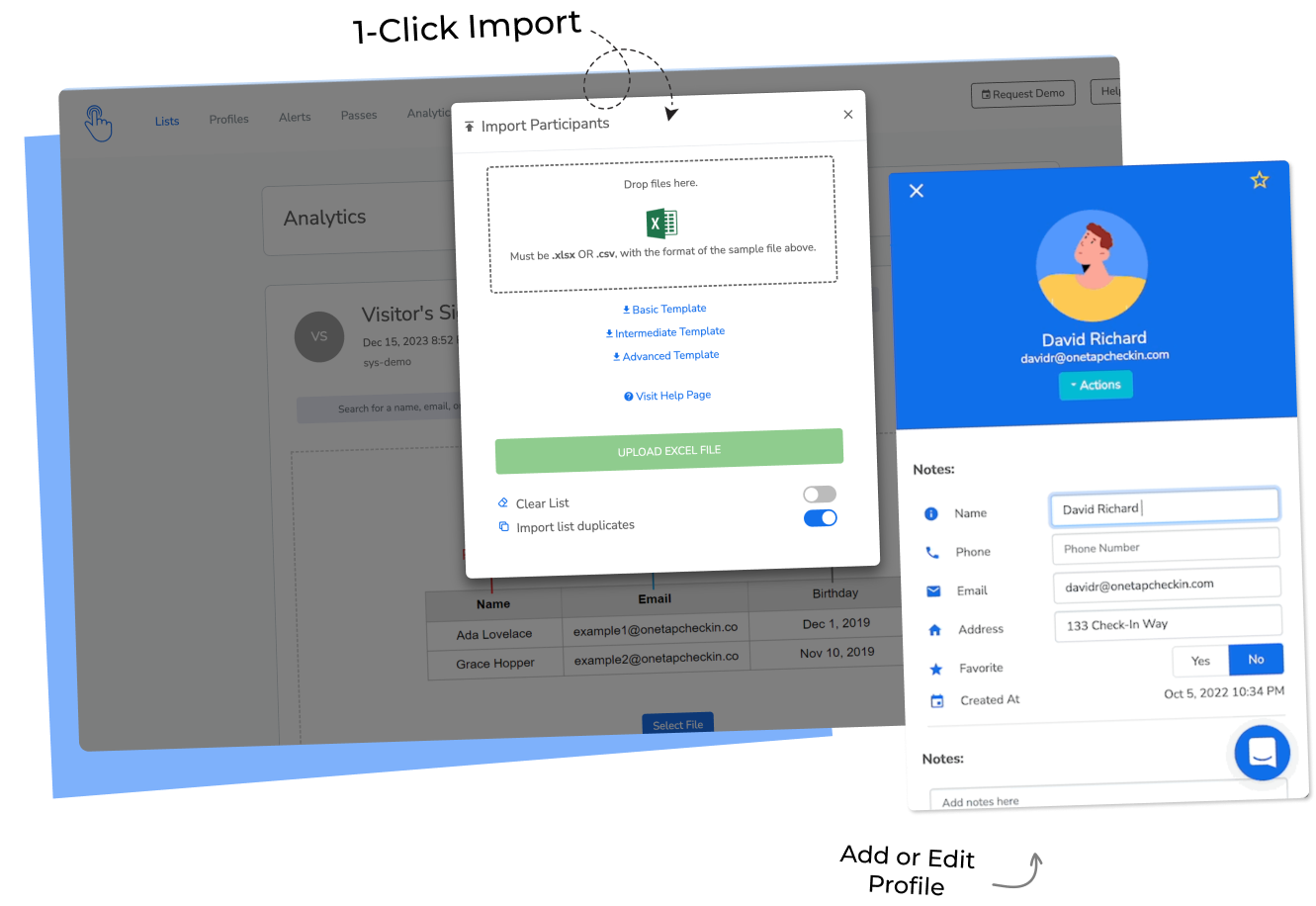
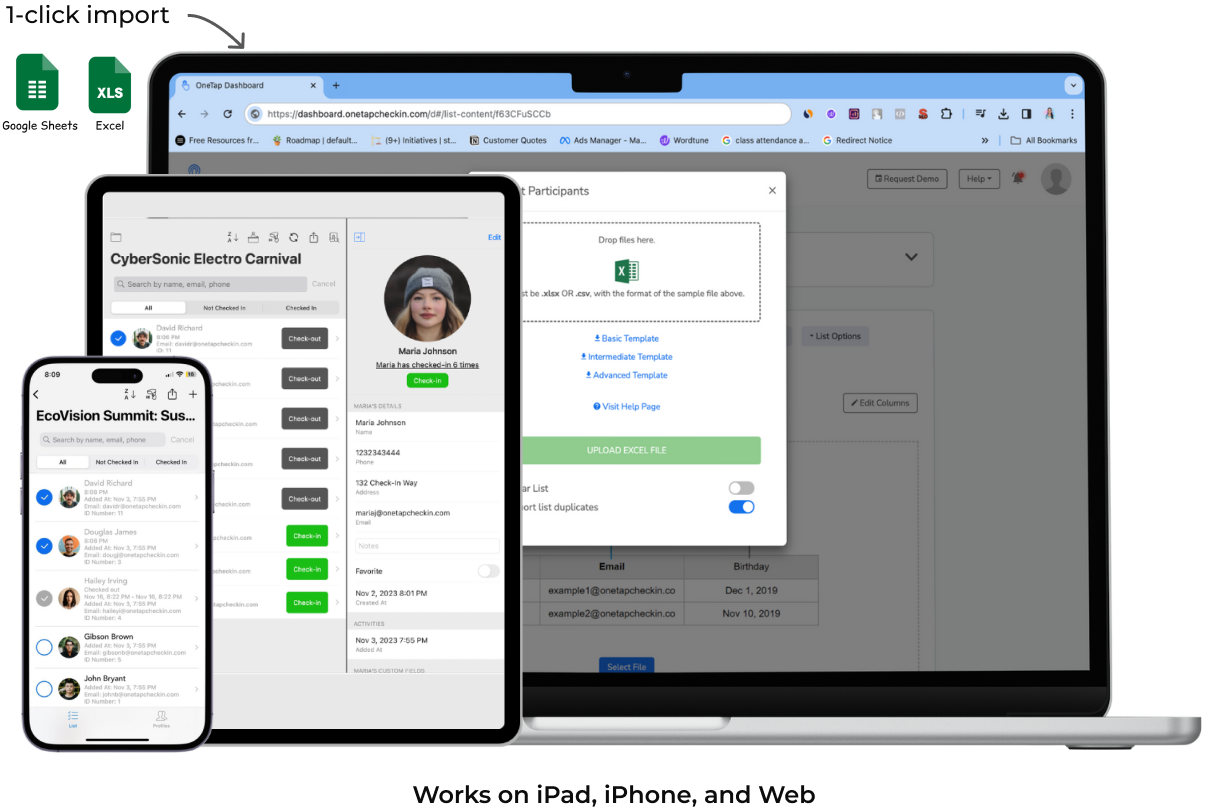
Import students from Excel or CSV. Add custom fields for emergency contacts, grade, demographics. Create separate lists per program.
Takes about 10 minutes.

iPad at the door in kiosk mode. Older students scan QR. Younger kids get tapped in by staff. Every arrival is recorded automatically.
No manual entry needed.

Open OneTap to see who's here. Need data for a funder? Export as Excel or PDF, filtered by date, list, or student.
One click export.

If any of these sound like your week, you're ready.
A kid was unaccounted for. You couldn't confirm fast enough.
"Is my child there?" should take seconds, not a building walk.
More kids, more missed names. The clipboard is breaking.
Clipboards, name-calling, sign-in chaos. Time stolen from kids.
No timestamps means no invoice. Session billing falls apart.
This is the year you stop using paper and hope.
New hires can't learn three spreadsheets and a prayer.
No credit card required · Set up in 15 minutes
Popular
per month, billed yearly
For up to 1000 profiles & collaborator access
Get StartedAlready collecting registrations through Jotform or Google Forms? Using paper waivers or consent forms that parents sign at drop-off?
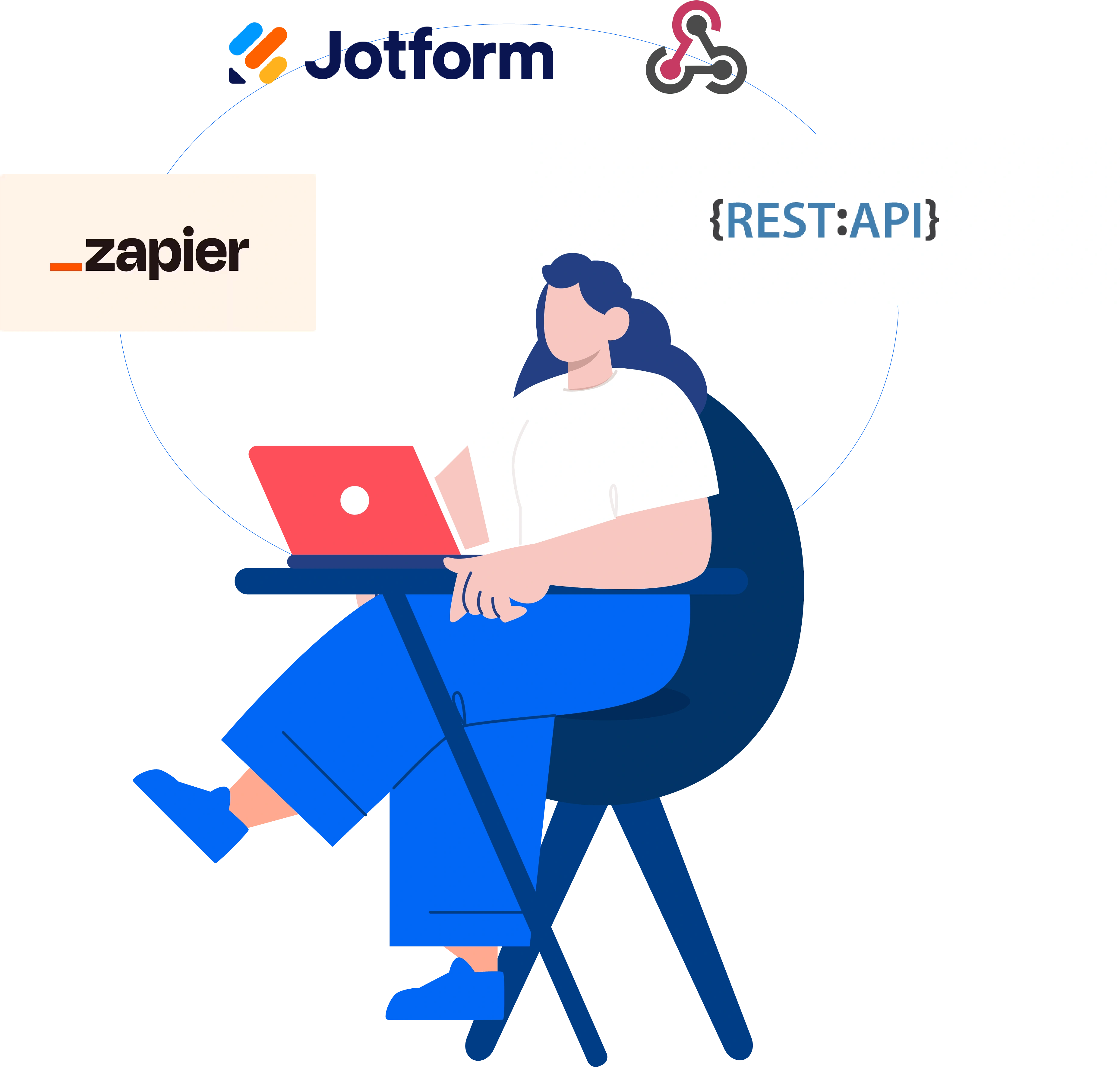
OneTap connects with the tools your after-school program already runs on.
Import your roster from Excel or connect with tools your team knows.

OneTap is a simple check-in app used by after-school programs, youth centers, 21st Century Community Learning Centers, ELOP sites, PTAs, and nonprofits.
Students check in via QR codes, iPad kiosks, or admin/staff check-ins. Records are timestamped, synced in real time, and exportable as Excel or PDF.
If you can upload an Excel file, you can run OneTap. Most directors set it up in one afternoon. Free onboarding support included.
Yes. OneTap's registration form lets you add waiver language, consent checkboxes, and custom questions. You can also add a check-in survey that collects responses every time a student checks in. For separate waiver tools, OneTap connects with Jotform and other tools via Zapier or API.
Create separate lists for every program such as STEM, tutoring, Girl Scouts, art, music. Students can be on multiple lists. Recurring lists auto-populate daily.
Pull the attendance for state reporting, you are not assembling it from multiple schools manually. When your state education department asks, the report is ready within minutes.
Admin scanning is iOS only. Students self-check-in from any device via QR, no app needed. Web dashboard works on any browser.
Free plan available. Paid plans start at $49.99/month billed yearly for 250 profiles. Works with PO purchasing.
Staff checks them in by tapping their name on an iPad kiosk. Older kids scan QR. Same system, different methods per age group.
Yes. Clean, timestamped data exportable as Excel, CSV, or PDF and filtered by date, list, or student. Add custom fields for demographics or anything your funder needs.
You can continue using your existing tools. Connect Jotform or Google Forms to OneTap via Zapier or our API, and registration data will flow into OneTap automatically, so you don’t need to re-enter student information.
Use OneTap as the attendance layer on top of your current workflow, or use it for both registration and attendance.
Yes. Invite collaborators with their own login. They check kids in and view assigned lists, while you keep admin control.
Most after-school programs use the Basic or Standard plan. OneTap provides invoices and works with PO-based purchasing. Several 21st Century programs and state-funded nonprofits are already using it.
Yes. All data is encrypted in transit using HTTPS/TLS 1.2+1.3 and at rest using AES-256 encryption. We also use Cloudflare's WAF and DDoS protection to keep your data safe at every layer. US-East data centers 🇺🇸. SOC2 Type II initiated. Your data is never sold.
No more re-typing sign-in sheets or running through rooms when a parent calls.
OneTap gives you the one thing paper can't: knowing who's in the building, right now.