Employee training attendance tracking app

Know exactly who showed up to

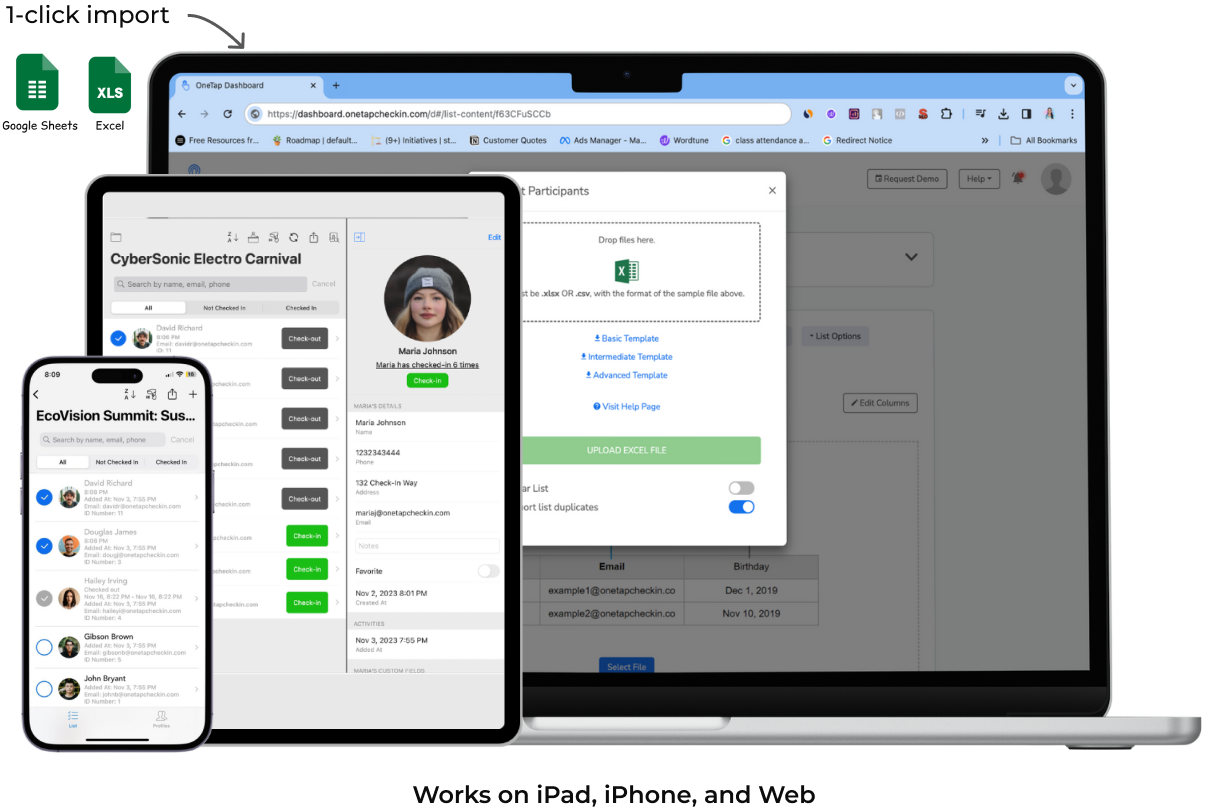
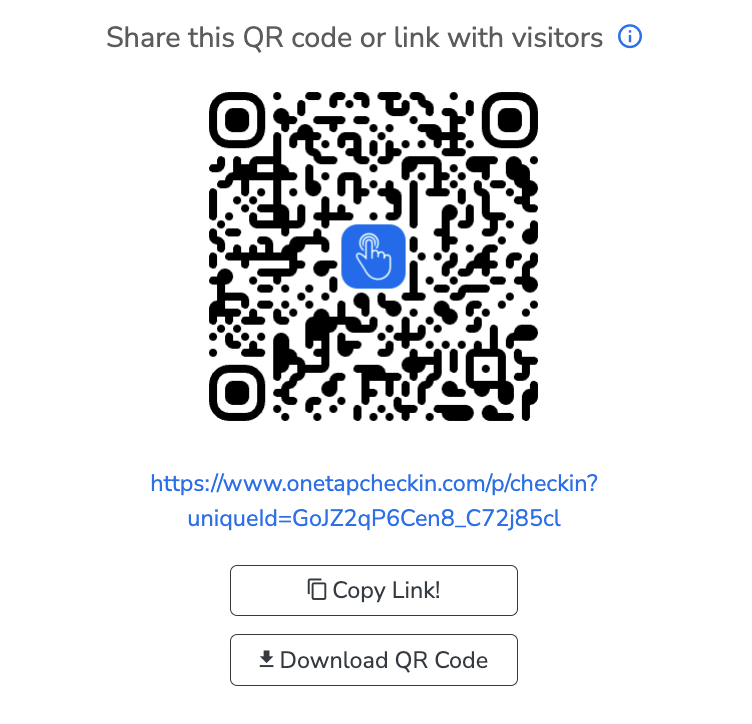
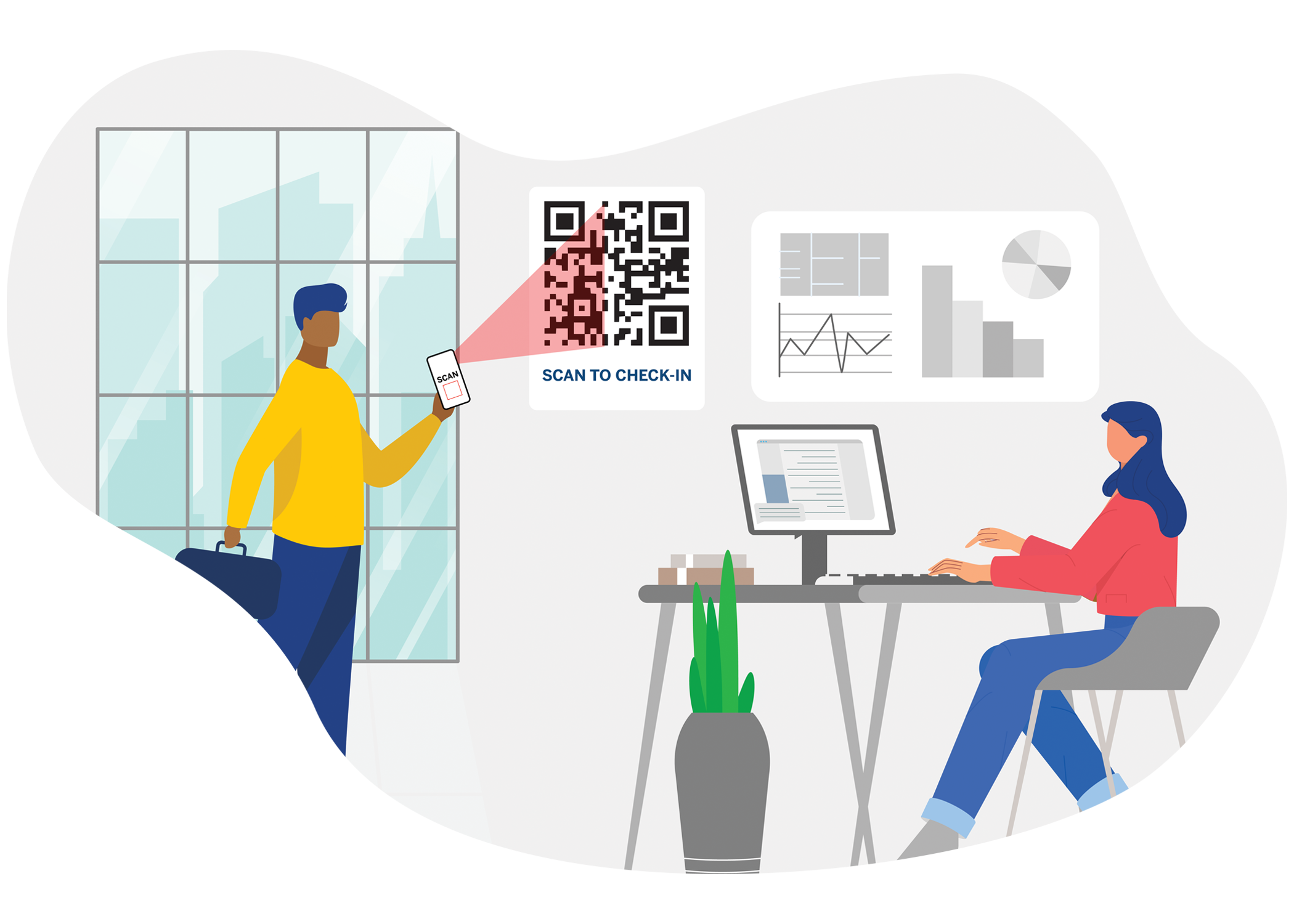
OneTap is a simple check-in app for employee training sessions. Employees check in with a QR code, iPad kiosk, badge scan, or digital signature.

You get a timestamped, auditable record of every attendee, whether it's OSHA compliance, CE credit workshops, or internal events.

Icon checkmark blue

When auditors ask for proof, you pull it in seconds.

Icon checkmark blue

When leadership wants numbers, you export one report.

No IT required · No new hardware · Works alongside your LMS
Trusted by Bob's Red Mill, Emerson, Impala Terminals, NYC Health + Hospitals, and more

OSHA auditor walks in. "Show me who attended the May safety training."

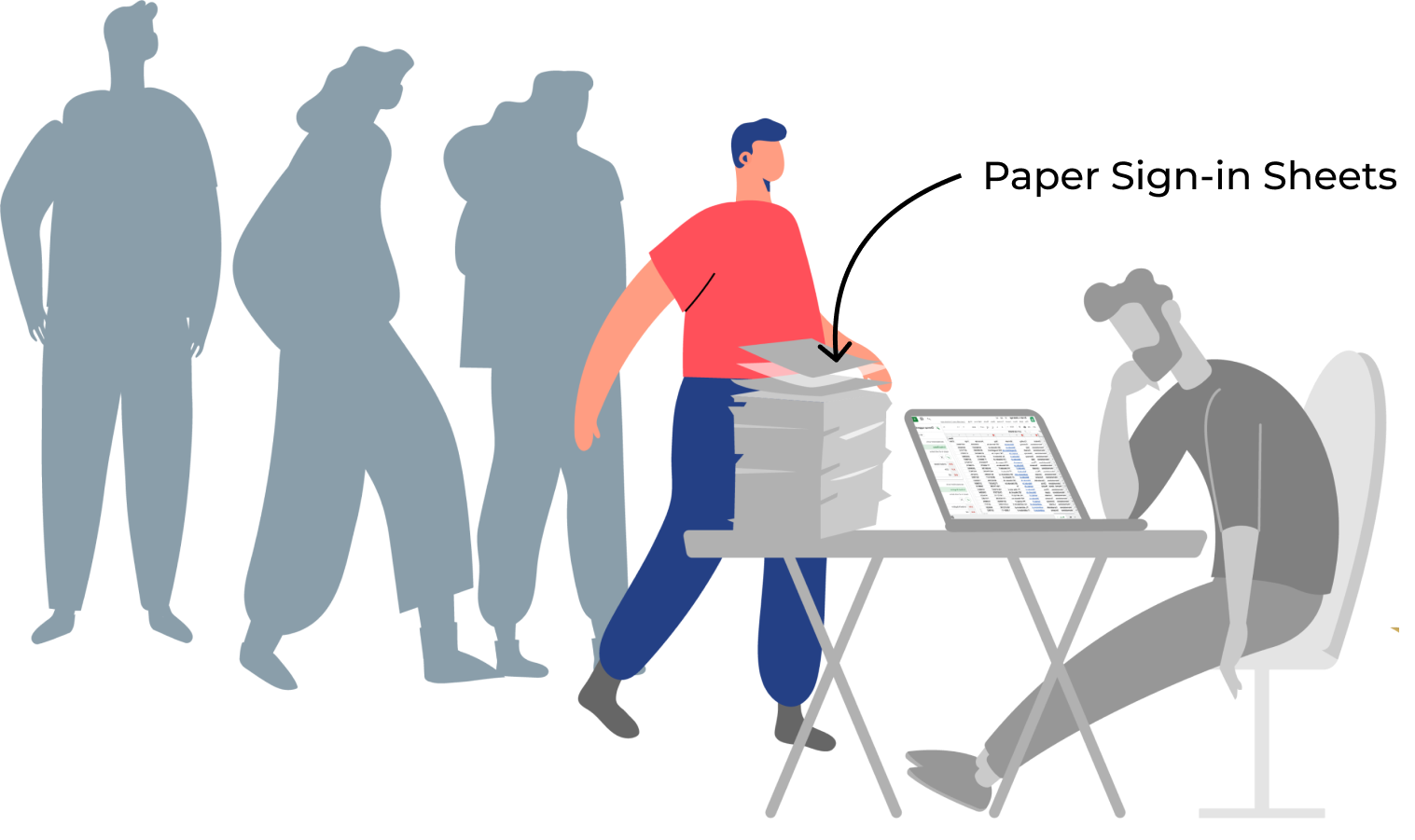
You've run 30 trainings this year across 4 locations. Paper sign-in sheets are in a filing cabinet somewhere. Half the names are illegible. You need that record. Right now.

Without OneTap

With OneTap

Paper sign-in sheet for attendance
Sound familiar?

You run the training. The paperwork runs you.

Training coordinators, L&D managers, and EHS directors all describe the same problems.

Paper sign-in sheets that nobody can read.

Names get misspelled. Signatures are illegible. Someone always forgets to sign. And when the auditor asks, you're flipping through a filing cabinet.

"Manually logging 400 weekly signatures is time-consuming and prone to errors." - Cheyenne P., Safety Manager

Audit comes. You can't prove who attended.

OSHA, state regulators, or internal compliance needs a clean record with names, dates, timestamps, and signatures. Your data is scattered across paper, emails, and shared drives.

"We need searchable digital records to facilitate compliance audits." - Priya M., Compliance Lead, Manufacturing

Your LMS tracks courses. Not who actually showed up.

The LMS handles online modules. But when 50 people walk into a conference room for mandatory safety training, the LMS has no idea who was there.

"Short training sessions in cafeterias weren't being tracked in our LMS at all." - Rowena C., EHS Director

Check-in eats the first 10 minutes of every session.

Passing around a clipboard. Waiting for everyone to print their name. The instructor is standing there watching people write. Training time lost to admin.

Multiple locations. No single source of truth.

Each site tracks attendance differently. Some use paper. Some use Excel. Some don't track at all. You can't get a clean picture across the organization.

Existing solution got too expensive or too complex.

Enterprise platforms charge thousands for course authoring and gamification you don't need. You just need to know who walked into the room and when they left.

What changes with OneTap

One app. Every session documented. Every audit covered.

OneTap is the attendance layer your LMS and HR system are missing. From OSHA safety drills to CE credit workshops to corporate onboarding.

Proof that stands up to any audit

Timestamped check-in. Digital signatures. Exportable records.

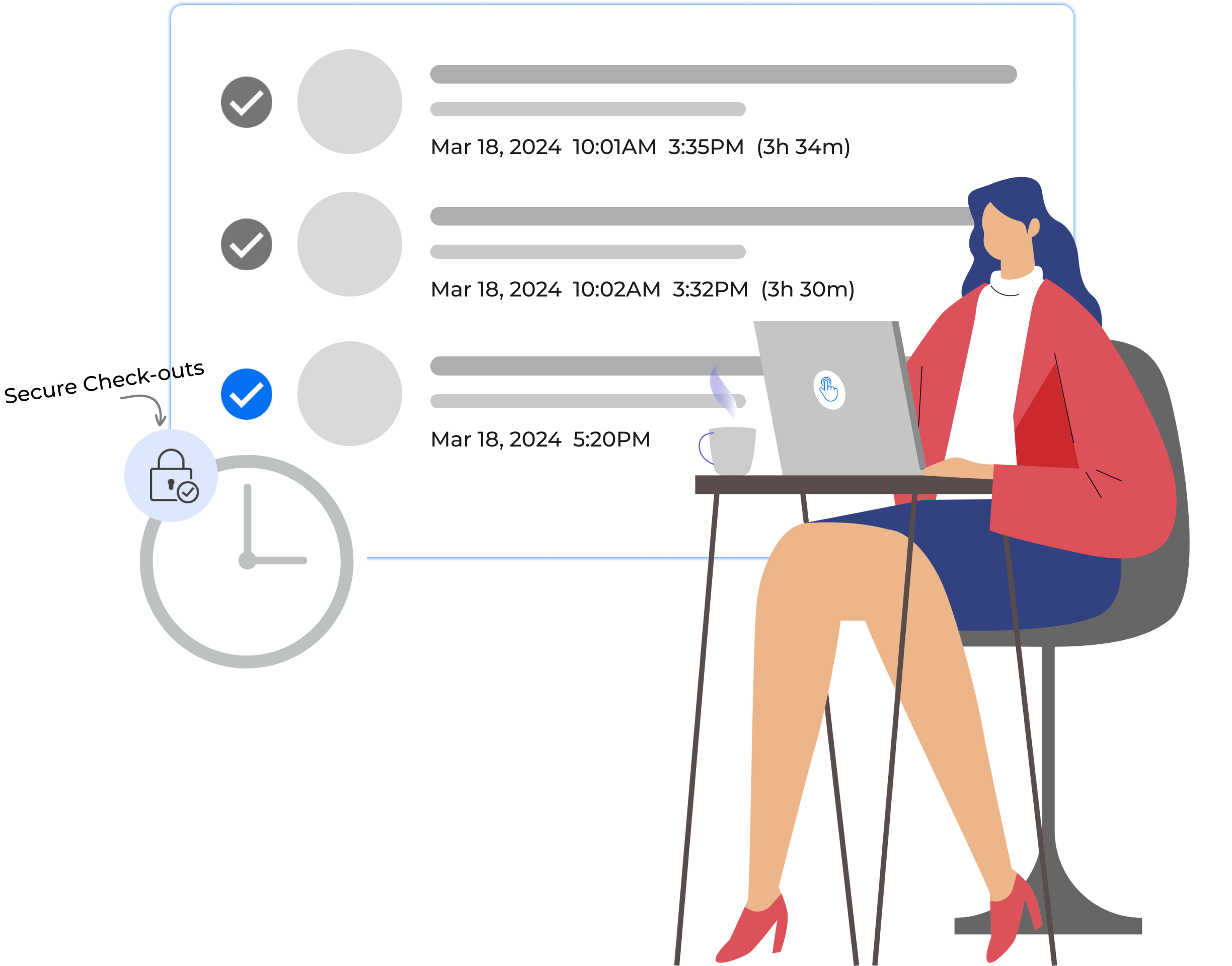
  • Every attendee is recorded with a timestamp when they arrive and when they leave. Capture digital signatures during check-in for OSHA compliance, regulatory documentation, or internal policy.

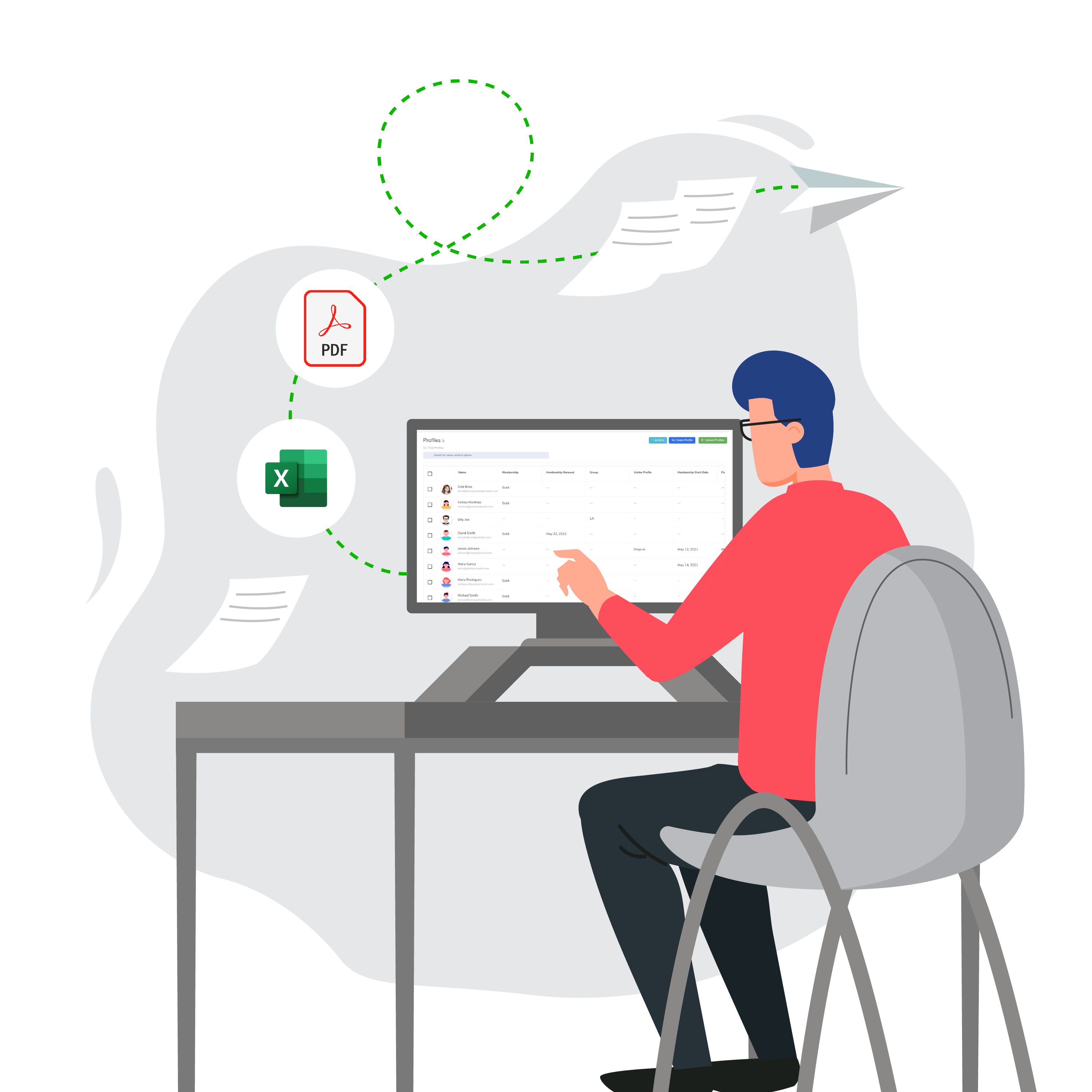
    Export the full record as Excel or PDF whenever
    an auditor, insurer, or regulator asks.

Timestamps

Digital signatures

Excel / PDF export

Duration tracking

OSHA-ready records

checkout feature
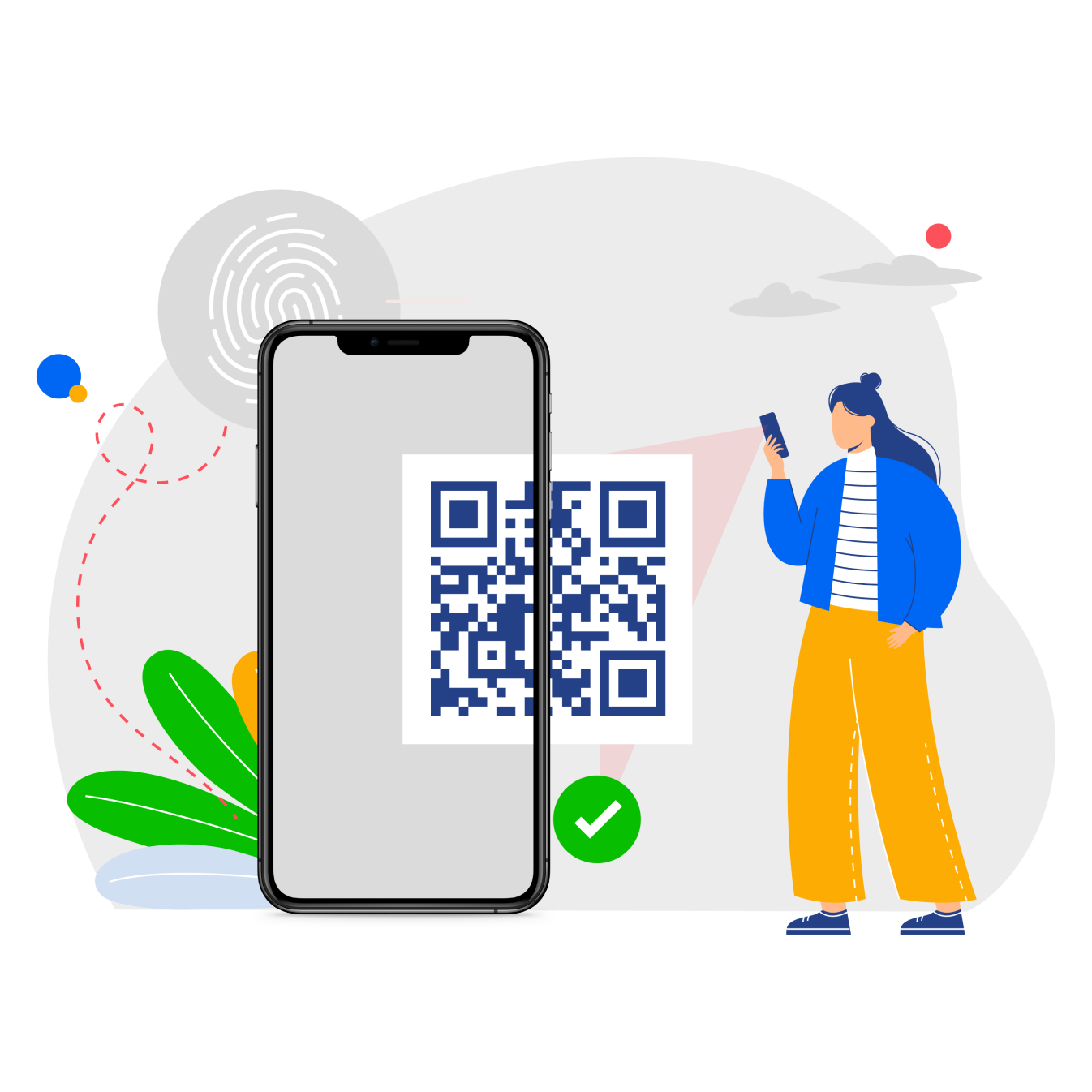
check-in with custom qr
Training starts on time, not 10 minutes late

Check-in takes seconds. Not a clipboard and a pen.

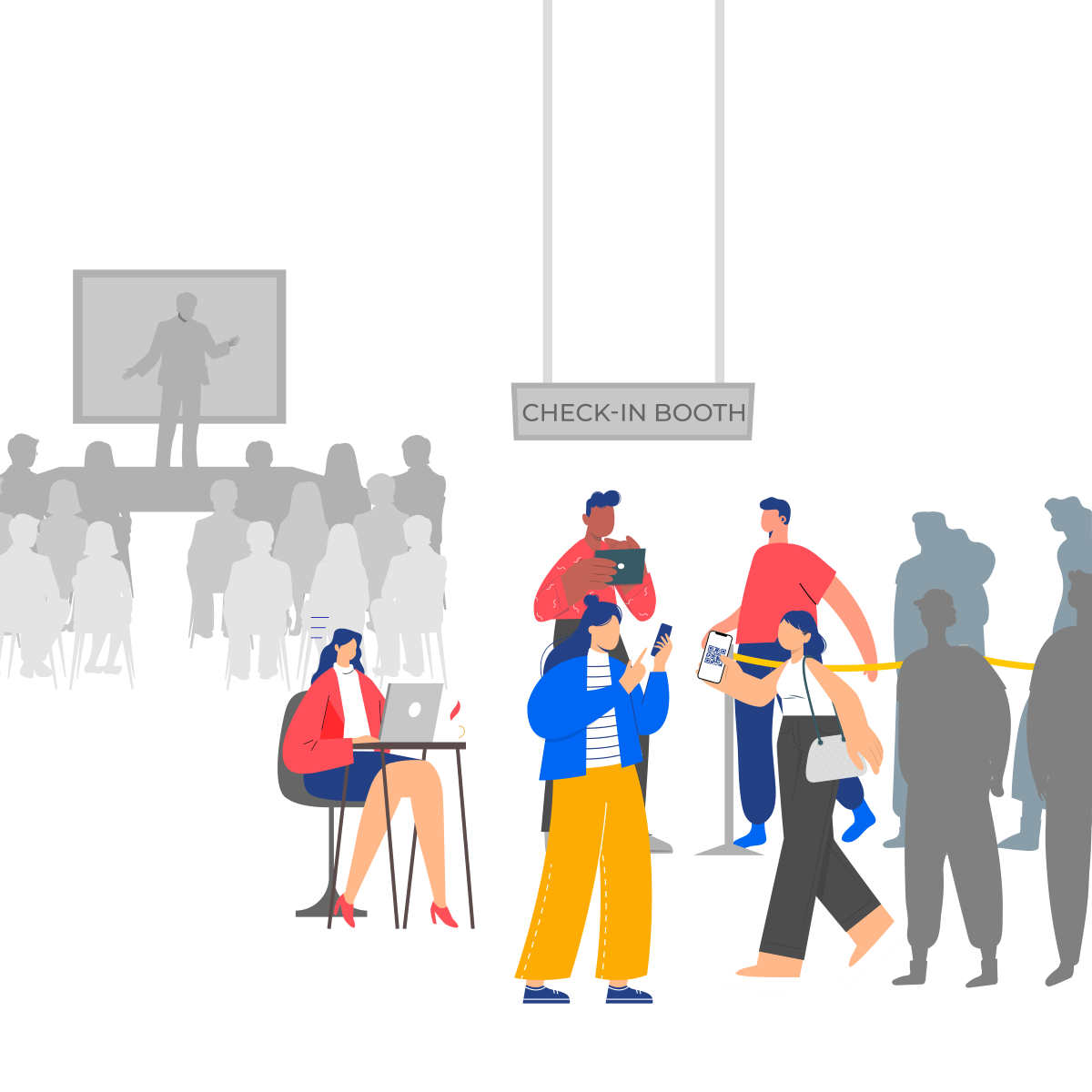
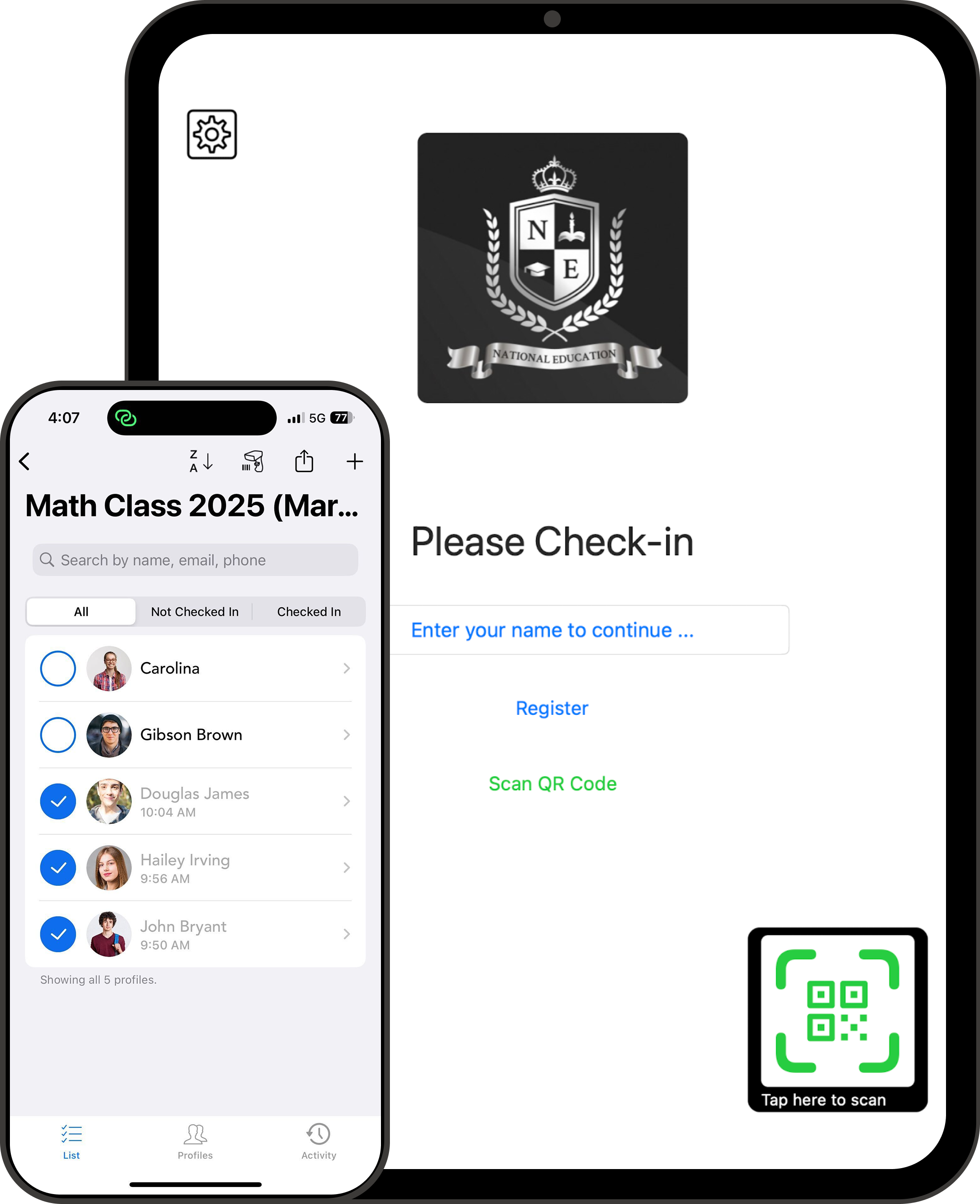
  • Set up an iPad kiosk outside the training room. Employees scan a QR code, tap their name, scan their badge, or provide a digital signature.

    No more passing clipboards. No more waiting for everyone to write. The instructor starts on time.


QR code

iPad kiosk

Existing badge/barcode scan

Name search

Digital signature

Every training type. One dashboard.

OSHA safety drills. CE workshops. Compliance onboarding. All
tracked separately.

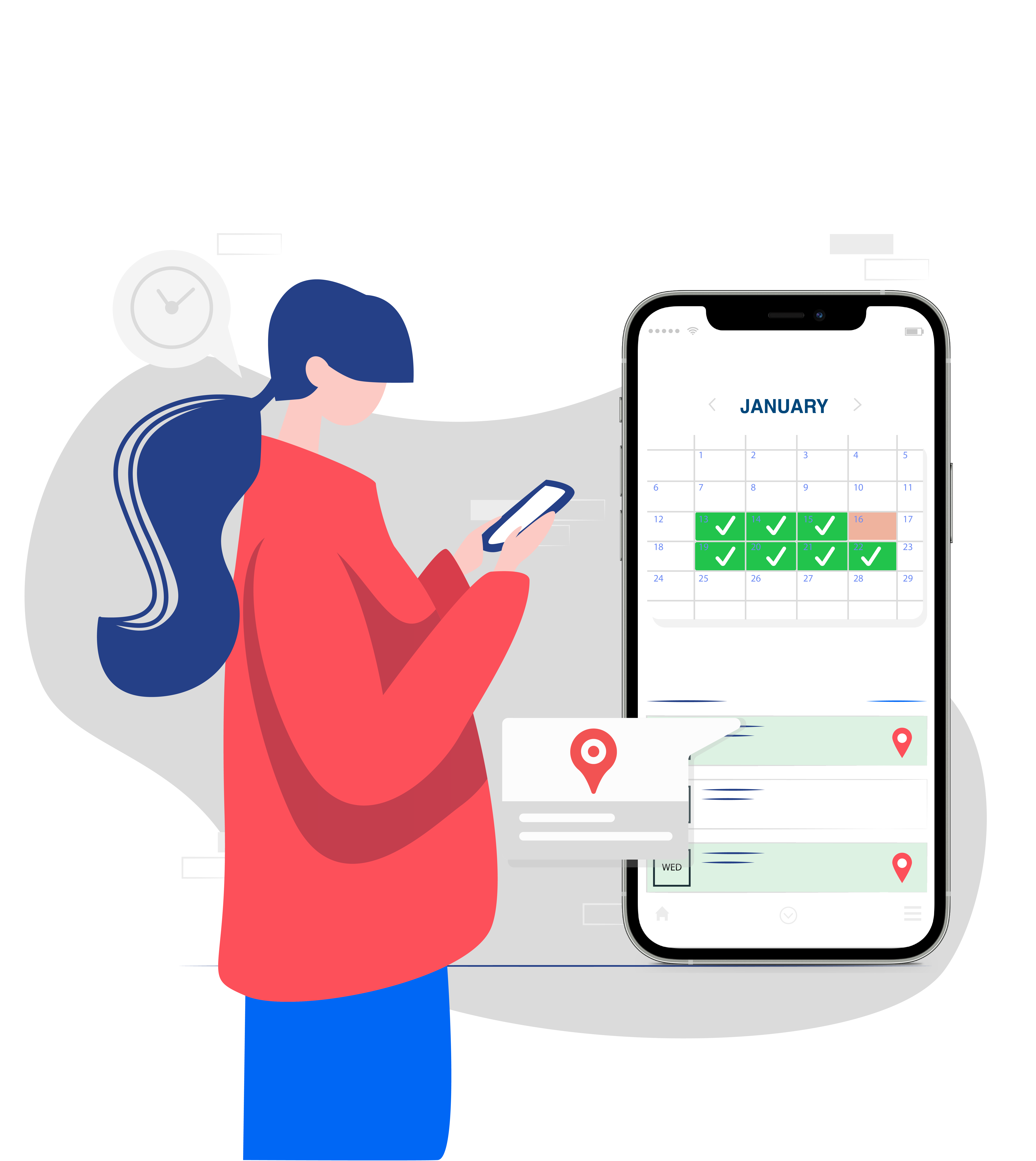
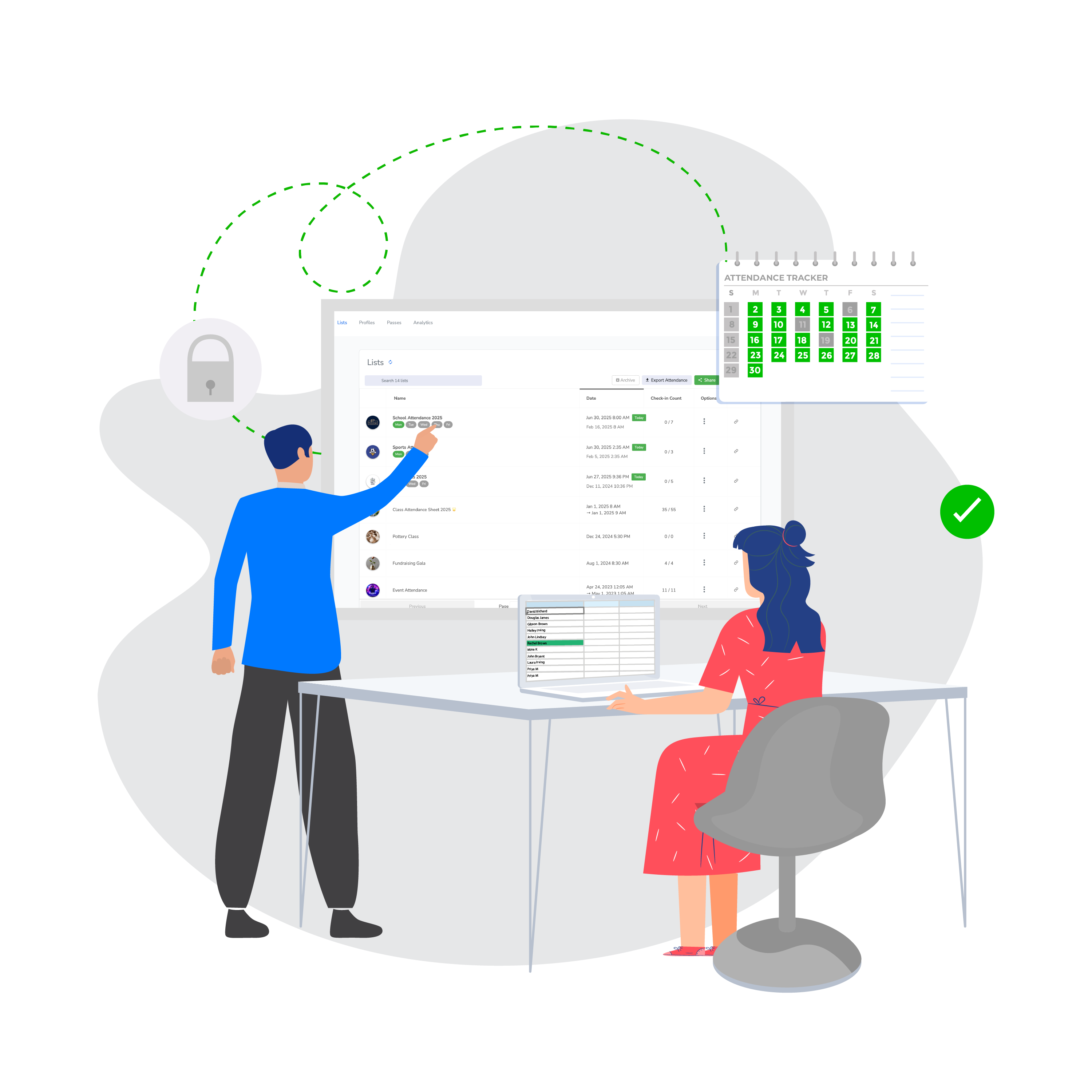
  • Create a separate attendance list for each training type. Run recurring sessions that auto-populate weekly, monthly, or quarterly.

    See exactly who attended which session, how long they stayed, and whether they completed the required hours for OSHA compliance, CE/PDH credits, or internal certification.

Separate lists per session

Recurring schedules

Session-level reports

Duration for CE/PDH credits

Fasted, Free Event Check-in App by OneTap
One record per employee across all trainings

Pull any employee's full training attendance history in seconds.

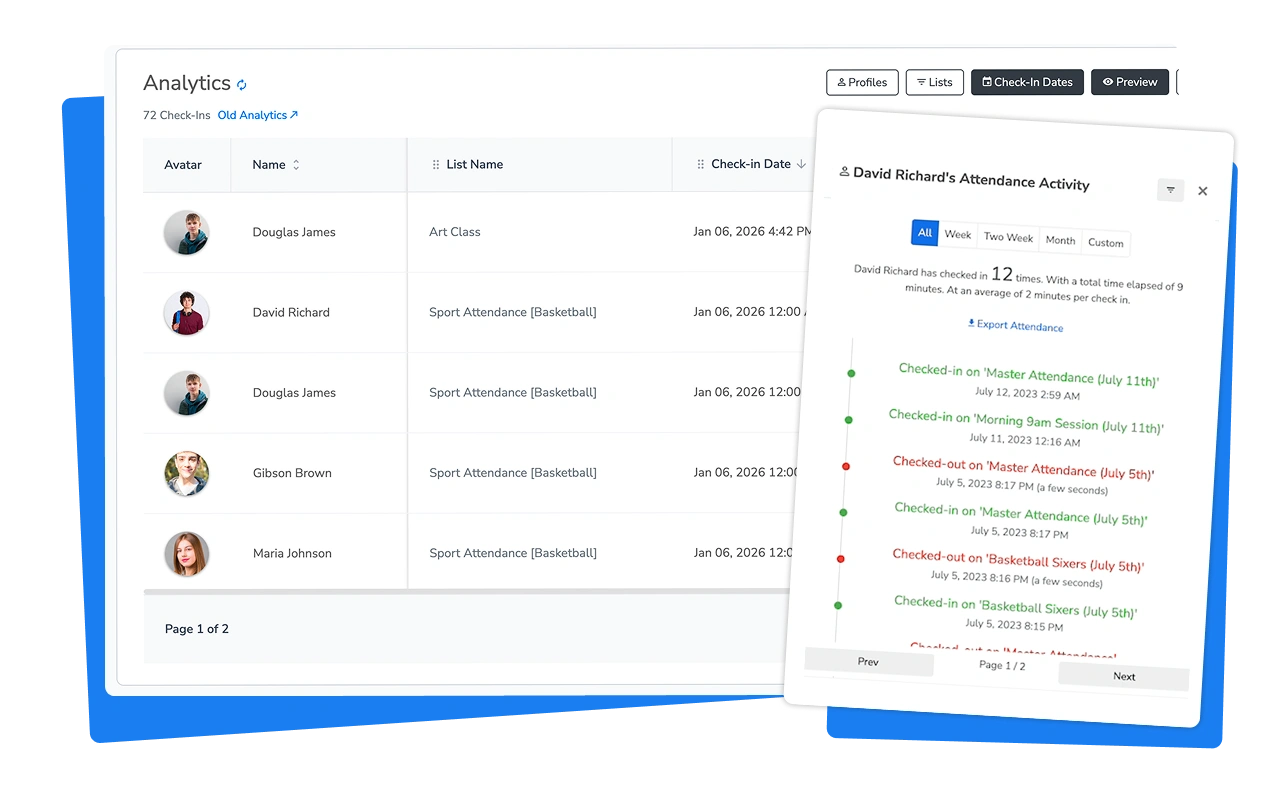
  • Every employee has a profile that stores their check-in history across all sessions.

    Need to know if John completed his Q2 safety training? Search his name, see every session he attended, with dates and durations.

    Add custom fields for employee ID, department, certification level, or anything your organization tracks.

Employee profiles

Full attendance history

Employee ID / department

Attendance for certifications

Reports your compliance team actually needs

Export clean data. Filter by session, date, employee, or location.

  • No more re-typing paper into Excel. Export attendance as a spreadsheet or PDF, filtered however you need. Add custom fields for demographics, training categories, or certification types.

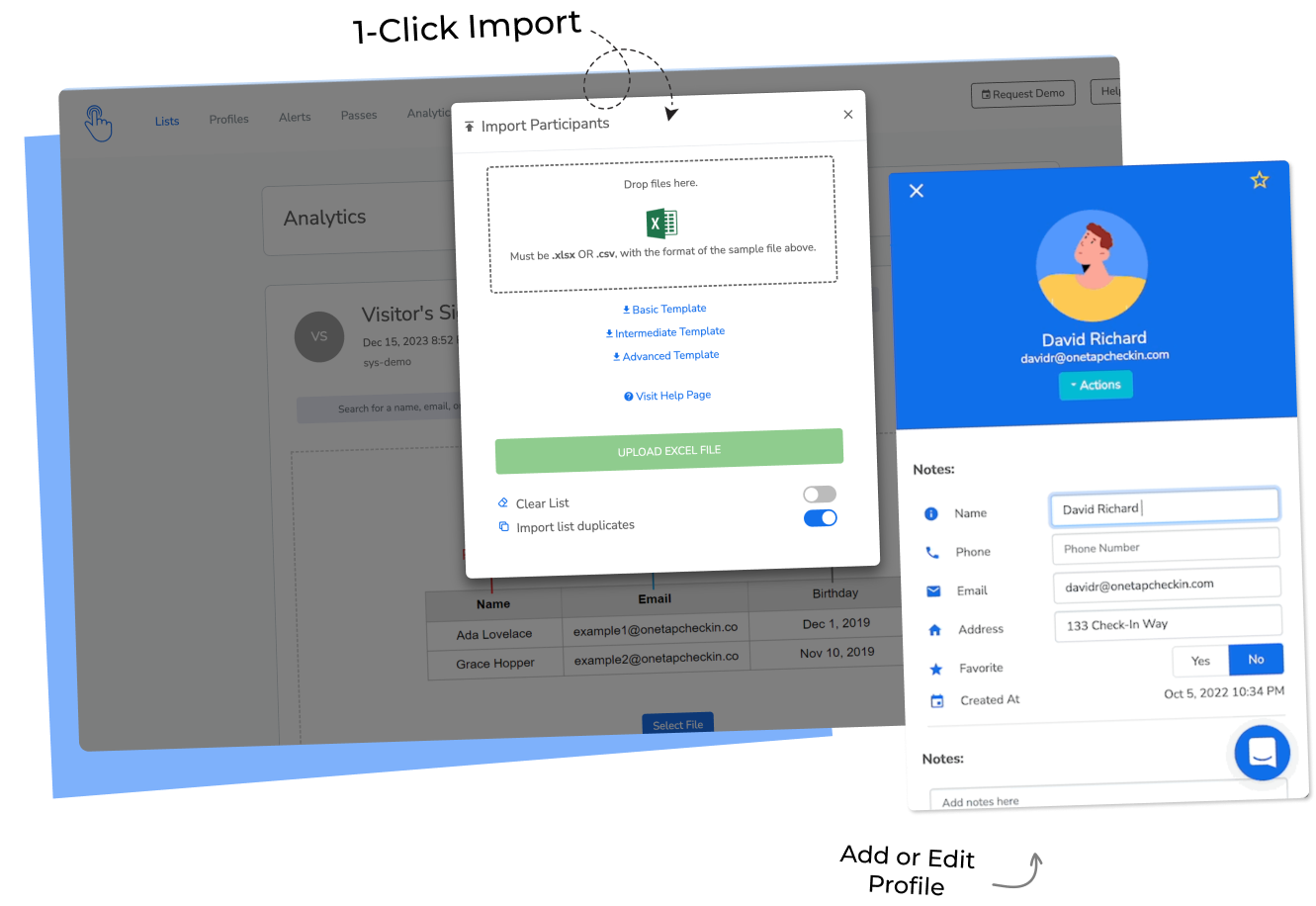
    Already managing employee data in Workday, ADP, or your LMS? Connect via API so profiles flow in automatically.

Filter by session, date, employee

Custom fields

LMS integration

Event Check-in App for Corporate Event Managers
One system across every site

Give each location its own login. Keep central control.

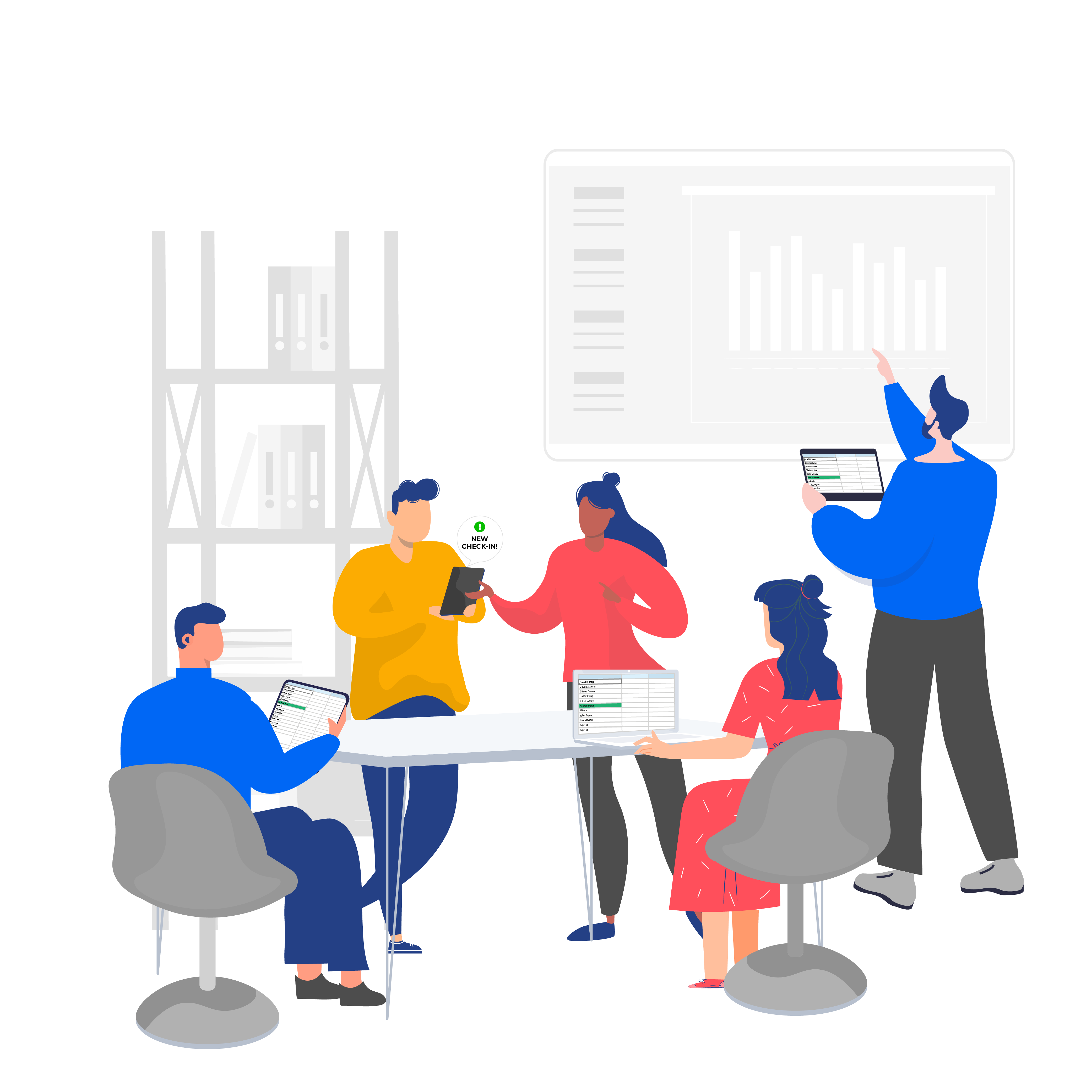
  • Invite training coordinators at each site as collaborators. They manage their own sessions and check employees in while you maintain admin oversight.

    Set up recurring schedules so sessions auto-populate. Every site uses the same system, producing the same clean data. Know who's in any building, at any site, on any device.

Collaborator logins

Multi-site management

Real-time sync

Recurring schedules

Central admin control

Works for every type of employee training

OSHA safety training

Mandatory compliance

CE / PDH credits

Employee onboarding

Workshops and seminars

Internal corporate events

Safety drills

Toolbox talks

Before OneTap

With OneTap
Paper sign-in sheets with illegible signatures

Digital signatures with timestamps on every check-in
10 minutes of every training lost to clipboard admin
Employees self-check-in via QR, badge, or kiosk in seconds
Scrambling for records when the OSHA auditor asks
Export any training's attendance in one click
Each site tracks attendance differently
One system, same clean data, every location
LMS tracks online courses but misses in-person sessions
OneTap handles in-person. Connect to your LMS via API
Manually calculating hours for CE/PDH credits
Duration auto-calculated from check-in and check-out times

Your phone knows who showed up to every training. Even when you're not in the room.

Every check-in and checkout, timestamped.

Every signature captured digitally.

Every report exportable in one click.

Simple by design

Set up in 15 minutes. Not 15 weeks.

No IT project. No procurement cycle. If you can upload an Excel file, you can run OneTap.

Is it time?

Training teams switch to OneTap when...

If any of these sound like your quarter, you're ready.

Icon - arrow right

An audit is coming and your records aren't clean.

Paper sign-in sheets are in a cabinet. Half the names are illegible.

Attendee volume grew and paper can't keep up.

You went from 50 to 400 employees. The clipboard is breaking.

Your LMS doesn't cover in-person sessions.

Online modules are tracked. Conference room trainings are not.

Your existing solution got too expensive.

Enterprise platforms charge thousands for features you don't need.

A big training event or safety week is coming up.

Annual OSHA compliance. Quarterly safety drills. You want it tracked properly this time.

New person in the role. Time to set standards.

You inherited a mess. Paper, spreadsheets, no system. Time to start clean.

Team grew across multiple locations.

Each site does it differently. You need one system that works everywhere.

Training teams already using OneTap.

"We were manually logging 400 weekly signatures for mandatory safety trainings. It was time-consuming and prone to errors. OneTap replaced all of that with a simple QR scan and digital signature."
Cheyenne P. — Safety Manager
"Short training sessions in cafeterias with 23-30 attendees weren't being tracked in our LMS. OneTap gave us a simple way to capture who actually showed up, with timestamps and reports for compliance."
Rowena C. — EHS Director
"We needed measurable and auditable solutions for tracking training attendance across 600 employees. The old signature system was inefficient. OneTap gives us clean records that satisfy our auditors."
Facundo L. — L&D Manager
Used in 1,000+ organizations · Audit-grade attendance records · Free onboarding support
Pricing

Built for program budgets.

No credit card required · Set up in 15 minutes

Free

$0

per month, billed yearly

Free Plan with up to 20 profiles (students)

Basic

$49.99

per month, billed yearly

For up to 250 profiles and recurring list

Standard

$69.99

per month, billed yearly

For up to 500 profiles and integration

Pro

$99.99

per month, billed yearly

For up to 1000 profiles & collaborator access

Custom

$200+

per month, billed yearly

For 1000+ profiles and SSO Login

Works alongside your existing systems

Your LMS tracks courses. OneTap tracks who showed up.

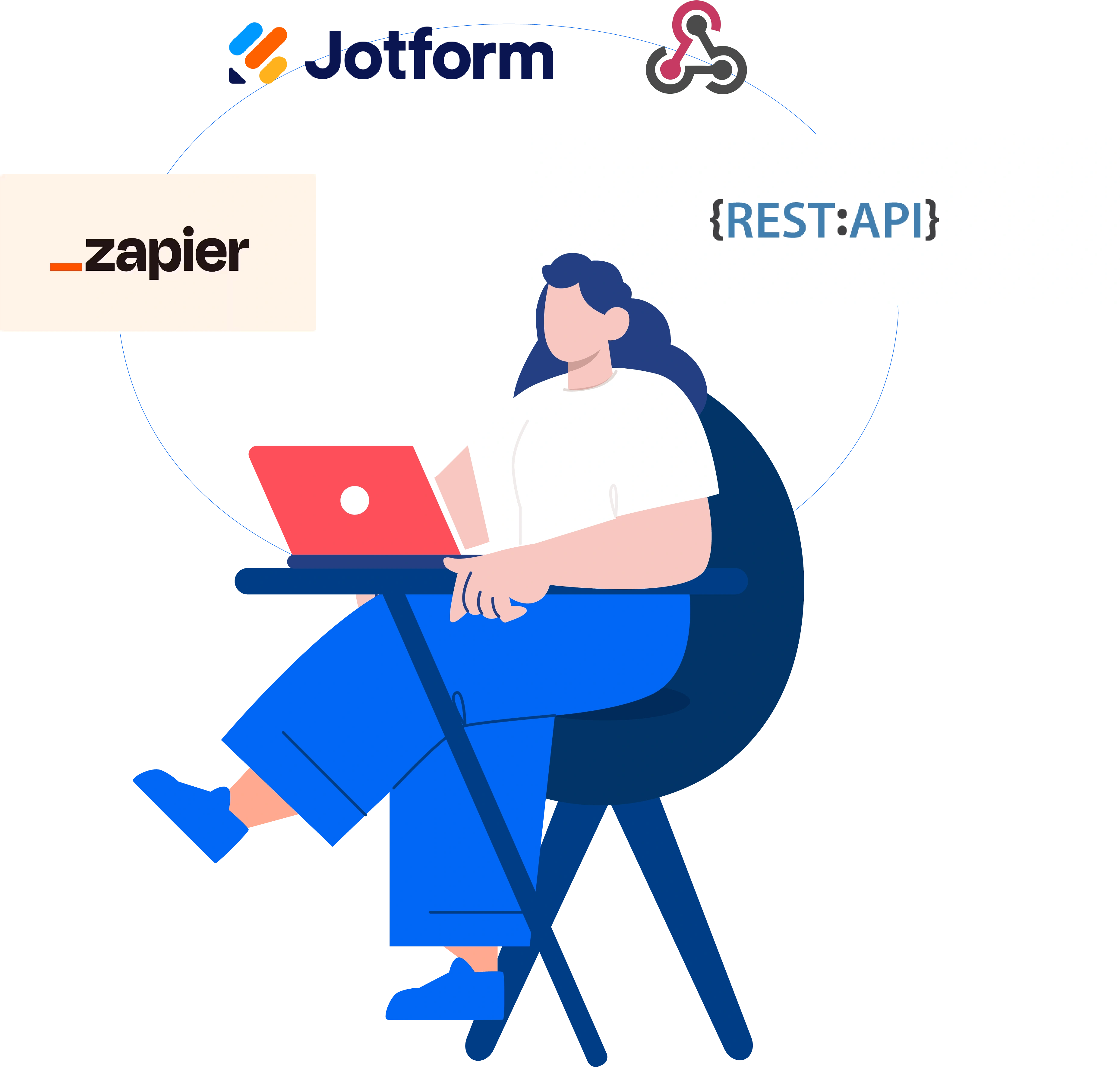
  • Already managing employee data in Workday, ADP, or an LMS? OneTap connects via API or Zapier.

    Import employee profiles automatically. Keep using your systems for course content and HR.

    Let OneTap handle the in-person attendance layer.

Excel/ CSV Import
LMS systems
Zapier
Public REST API
Existing badge / barcode
Jotform

Questions from training coordinators.

What is the best attendance app for employee training?

OneTap is a simple check-in app used for mandatory employee trainings, OSHA safety drills, CE/PDH credit sessions, onboarding, and corporate events.

Employees check in via QR codes, iPad kiosks, badge scans, or digital signatures. Records are timestamped and exportable as Excel or PDF for audits and compliance.

Does it work alongside our LMS?

Yes. OneTap handles the in-person attendance your LMS can't track. Connect via API or Zapier to sync employee data. Use your LMS for course content and online modules. Use OneTap for the physical check-in layer.

Employees aren't tech-savvy. Will they figure it out?

Set up an iPad kiosk at the training room door. Employees tap their name or scan their badge. No app download. No account creation. If they can tap a screen, they can check in.

We run trainings at multiple sites.

Create separate lists per site and assign collaborators with their own login. Each site coordinator manages their sessions while you maintain central admin control and reporting across all locations.

Does it work for OSHA safety training?

Yes. OneTap provides timestamped attendance records with digital signatures that document employee participation in safety trainings. Export reports for OSHA compliance documentation, safety audits, and regulatory submissions.

How much does it cost?

Free plan for up to 20 profiles. Paid plans start at $49.99/month billed yearly for 250 profiles. Custom pricing available for 1,000+ profiles with SSO and custom reports. Works with PO purchasing.

Can I capture digital signatures for compliance?

Yes. OneTap captures digital signatures during check-in, check-out, or both. Signatures are stored with each attendance record and included in exported reports.

Meets documentation requirements for OSHA, internal compliance, and regulatory submissions.

Can I integrate with Workday or ADP?

Yes. OneTap's REST API and Zapier integration allow you to sync employee profiles from HR systems like Workday and ADP. Employee data flows in automatically so you don't re-enter profiles manually.

Can I track CE, PDH, or continuing education credits?

Yes. OneTap records exact check-in and check-out times, automatically calculating duration. Export this data for CE/PDH credit documentation. Add custom fields for credit type, certification level, or accrediting body.

Can employees use their existing badges?

Yes. Import existing barcodes or badge numbers via Excel. Employees scan their badge at an iPad kiosk for instant check-in. No new badges needed.

Can I use it for internal corporate events too?

Yes. OneTap works for any in-person gathering: mandatory trainings, safety drills, town halls, leadership meetings, onboarding sessions, or team events. Same check-in flow, same clean data.

Is our data secure?

All data encrypted in transit (TLS 1.2+) and at rest (AES-256). AWS US-East data centers 🇺🇸. Cloudflare WAF and DDoS protection. SOC2 Type II initiated. Your data is never sold.

If it's not documented, it didn't happen.

No more illegible sign-in sheets. No more scrambling before audits.

OneTap gives you the one thing paper can't: proof that holds up.

OneTap Check-in App and Attendance Tracker